Full DevTools on mobile
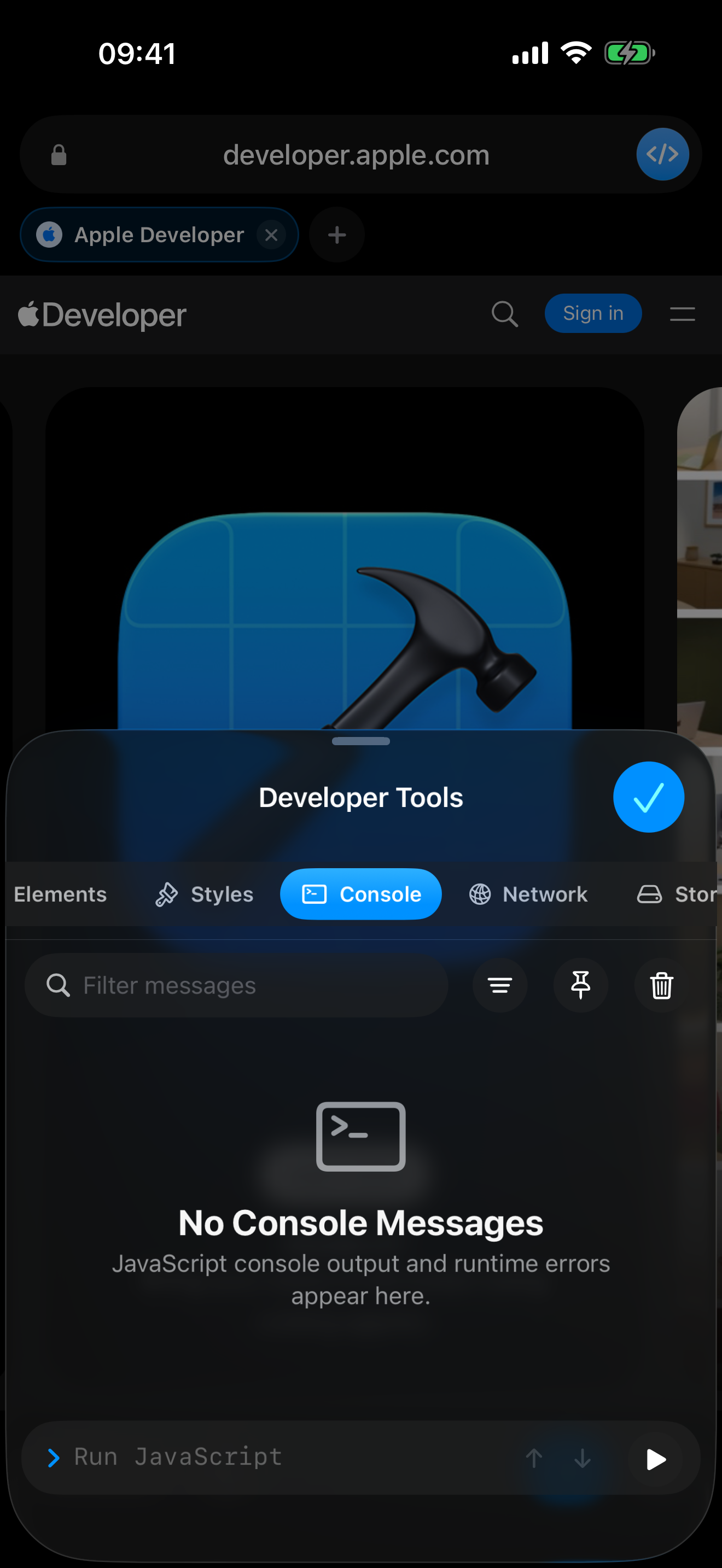
Open the built-in DevTools panel next to any page: Elements, Styles, Console, Network requests, and Storage. Filter console output, with a persistent log that survives page reloads.
APP
Website development and testing, right on iPhone and iPad.
DevBrow is a lightweight browser with full developer tools – Elements, Console, Network and Storage – plus isolated browser profiles for clean testing without cache or cookies.
Version 2.0 is a fully redesigned update with new DevTools and profiles, currently submitted to Apple for review. Available in English and German.
Open the built-in DevTools panel next to any page: Elements, Styles, Console, Network requests, and Storage. Filter console output, with a persistent log that survives page reloads.
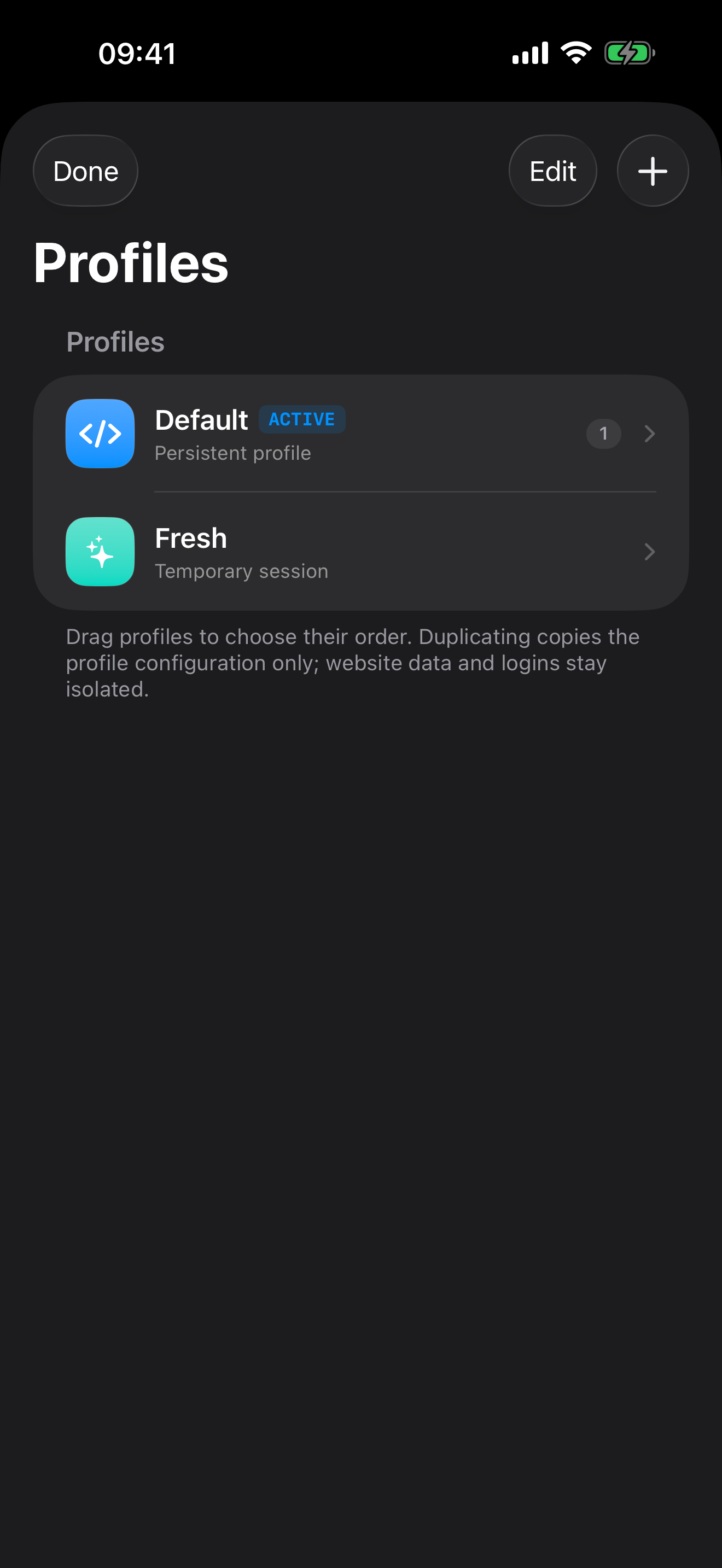
Create as many profiles as you need, each with completely separate cookies, cache, and site data – perfect for logged-in states, multiple accounts, or client projects side by side. Keep a profile temporary or persistent.
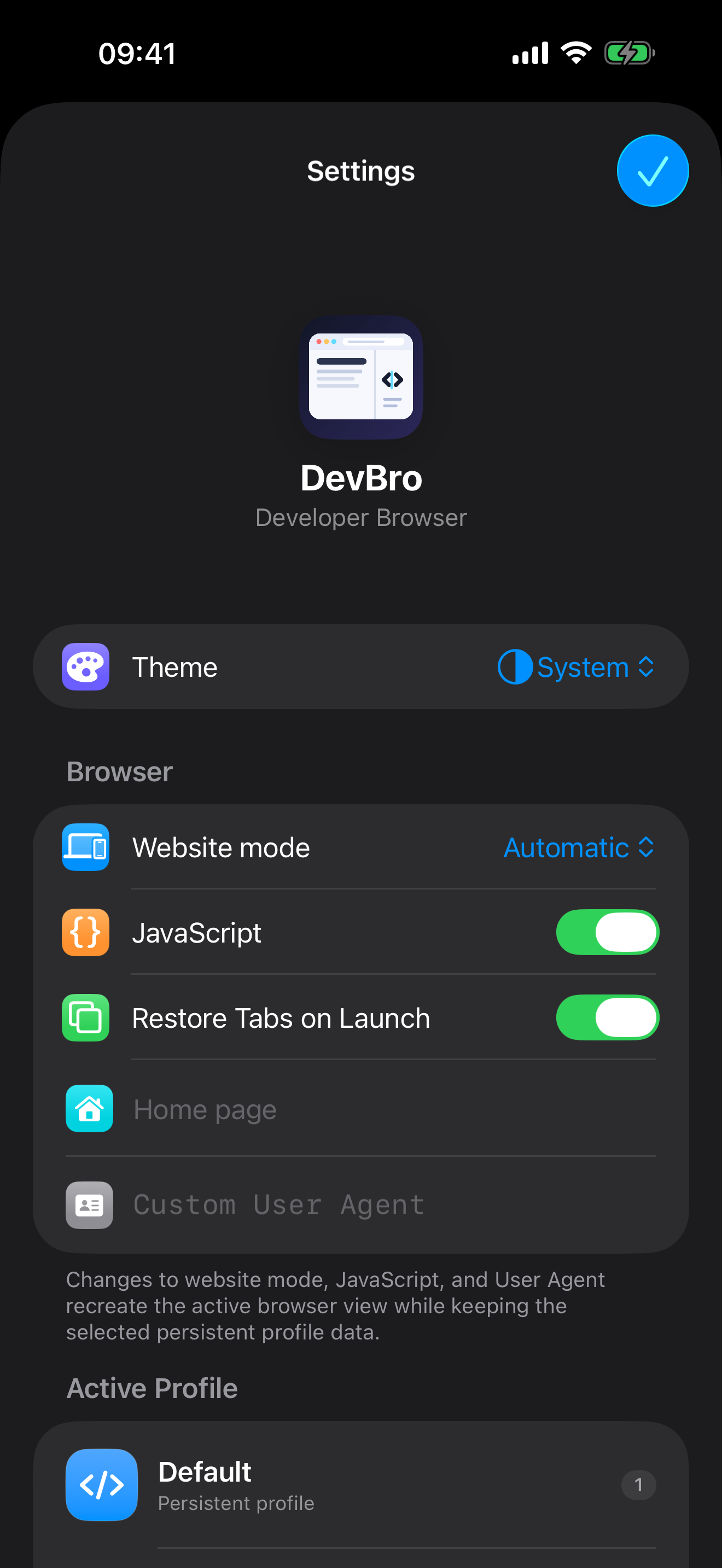
Toggle JavaScript on or off per session, switch between automatic, desktop, and mobile rendering, and set a custom user agent string.
An adaptive sidebar keeps profiles and DevTools one tap away while you browse.
DevBrow doesn't track you or phone home. Website data stays on your device, and temporary profiles are wiped the moment you're done.
Restore your tabs automatically on launch and set a home page for quick access.
Screenshots from the current preview version.
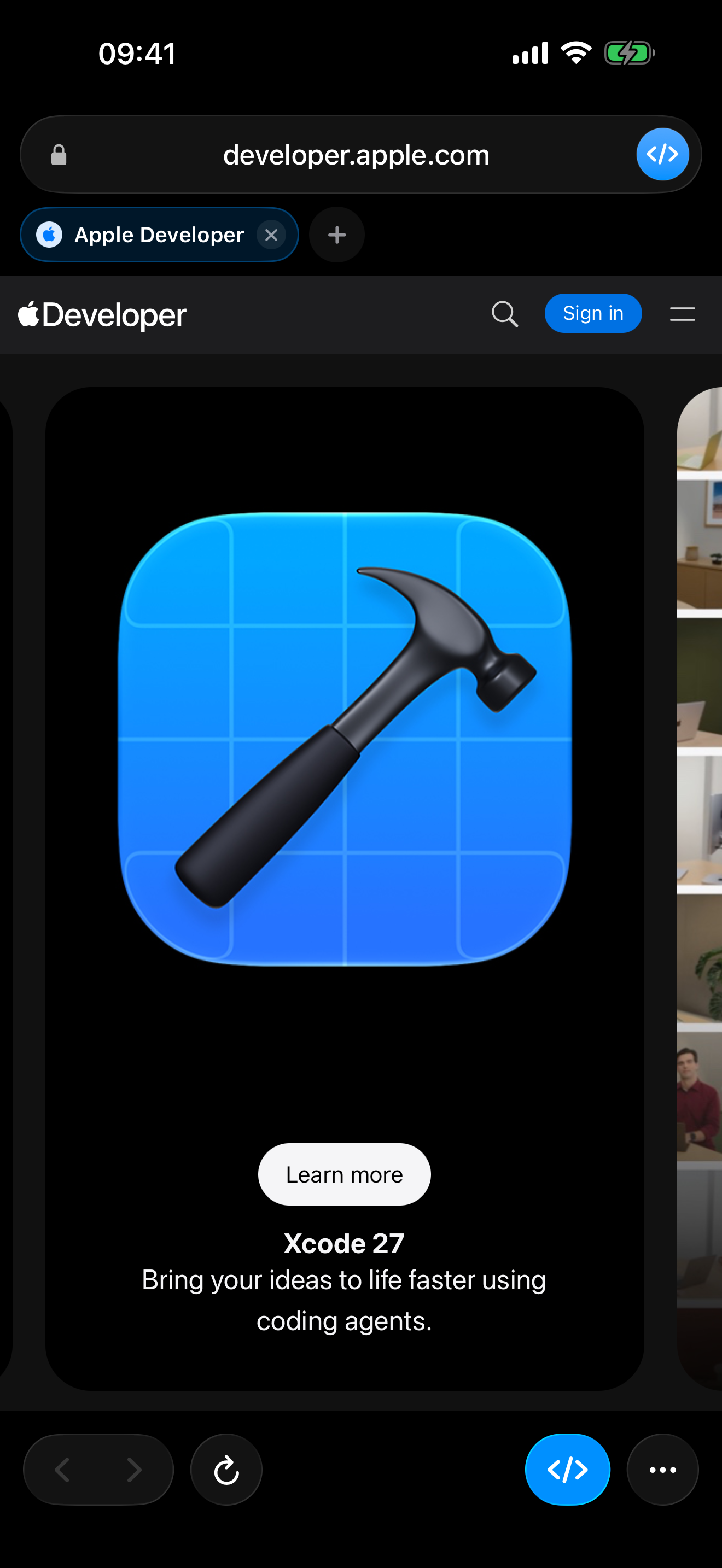
Version 2.0 has been submitted to Apple for review and isn't available on the App Store yet. This page will be updated as soon as it goes live.
Each profile has its own cookies, cache, and site data. That lets you cleanly separate multiple accounts, client projects, or a logged-in and logged-out state without data mixing between them.
Yes. DevBrow doesn't track you or phone home. Website data stays on your device, and temporary profiles are deleted when you close them.
Yes, with an adaptive sidebar for profiles and DevTools designed specifically for iPad.
Need help, want to report a problem or share feedback? Feel free to get in touch.
Please include the app version, operating-system version, device and a short description. Do not send passwords, tokens or other confidential data.