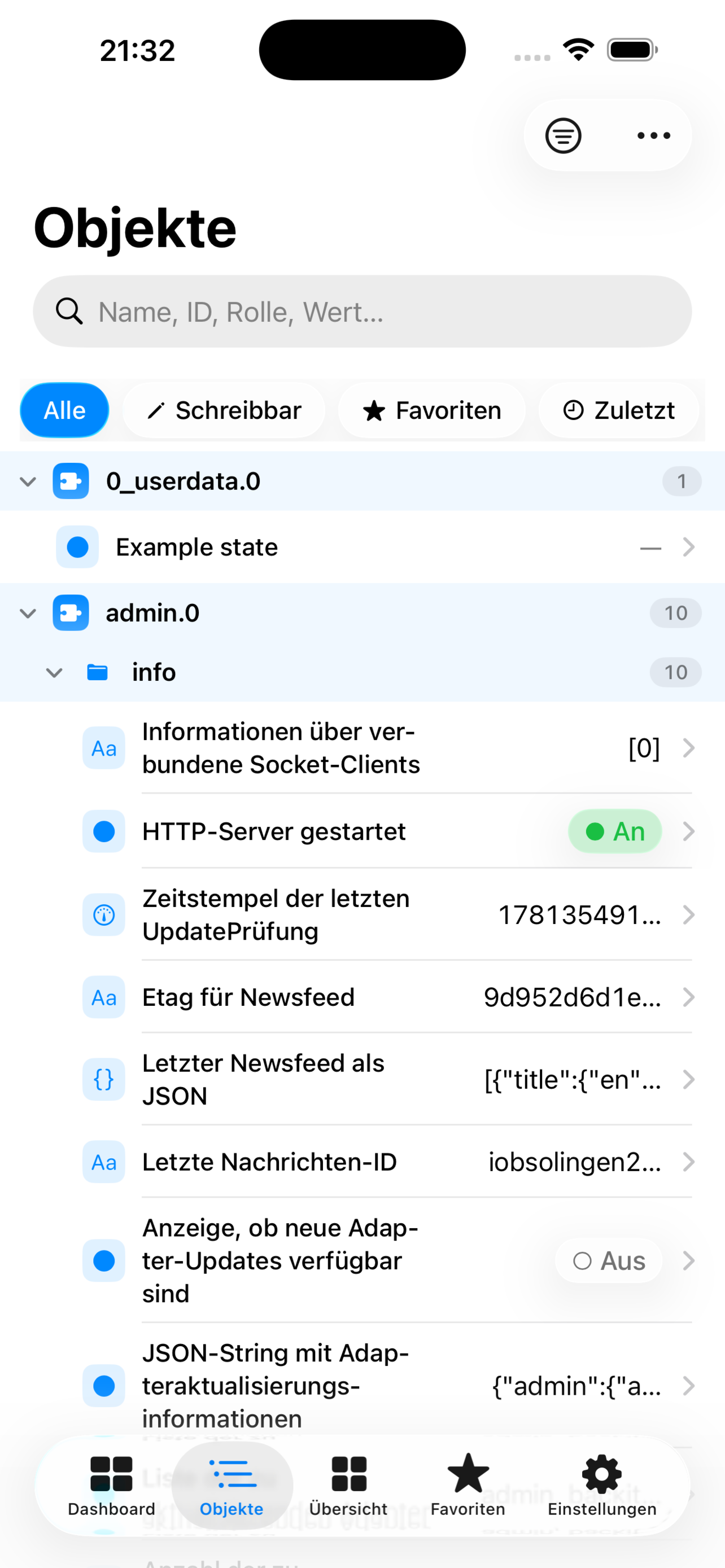
Browse the object tree
Filter by adapter and structure, with favorites and detail views.
APP
Your ioBroker objects, native on iPhone.
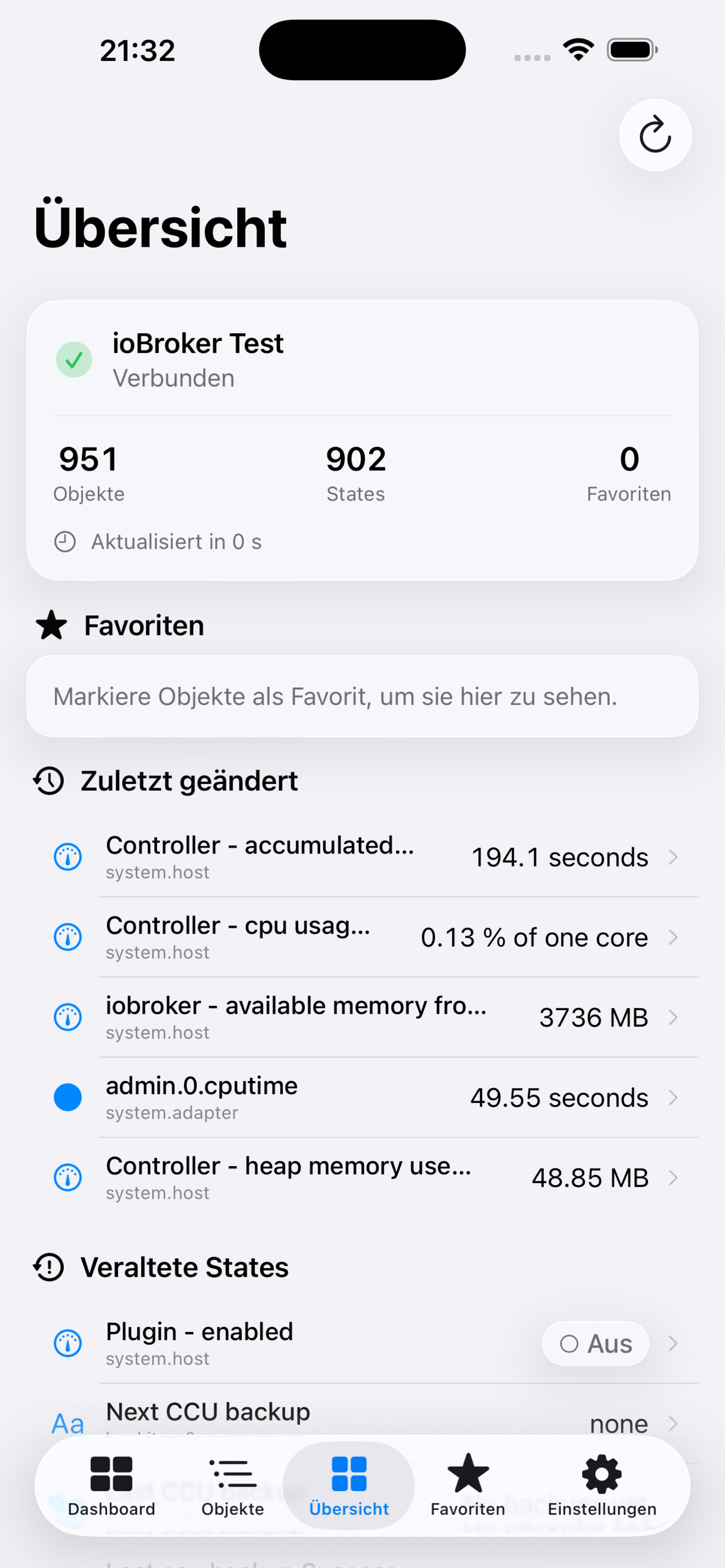
ioBroker Objects lets you search, watch and control your ioBroker states – locally, via VPN or through Cloudflare Zero Trust.
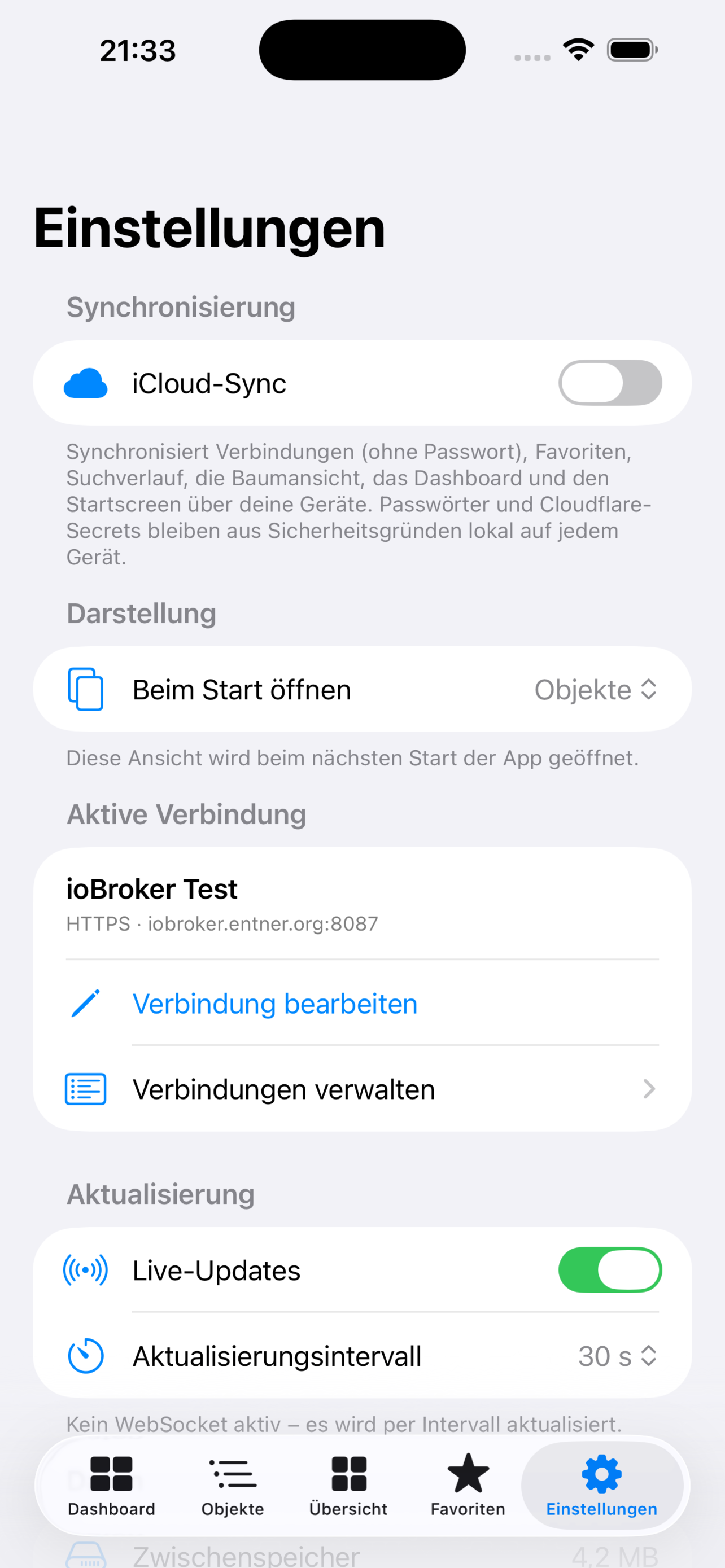
The app doesn't access the ioBroker database directly; it uses simple-api/rest-api and, optionally, WebSocket for live updates. Credentials stay local in the iOS keychain.

Filter by adapter and structure, with favorites and detail views.
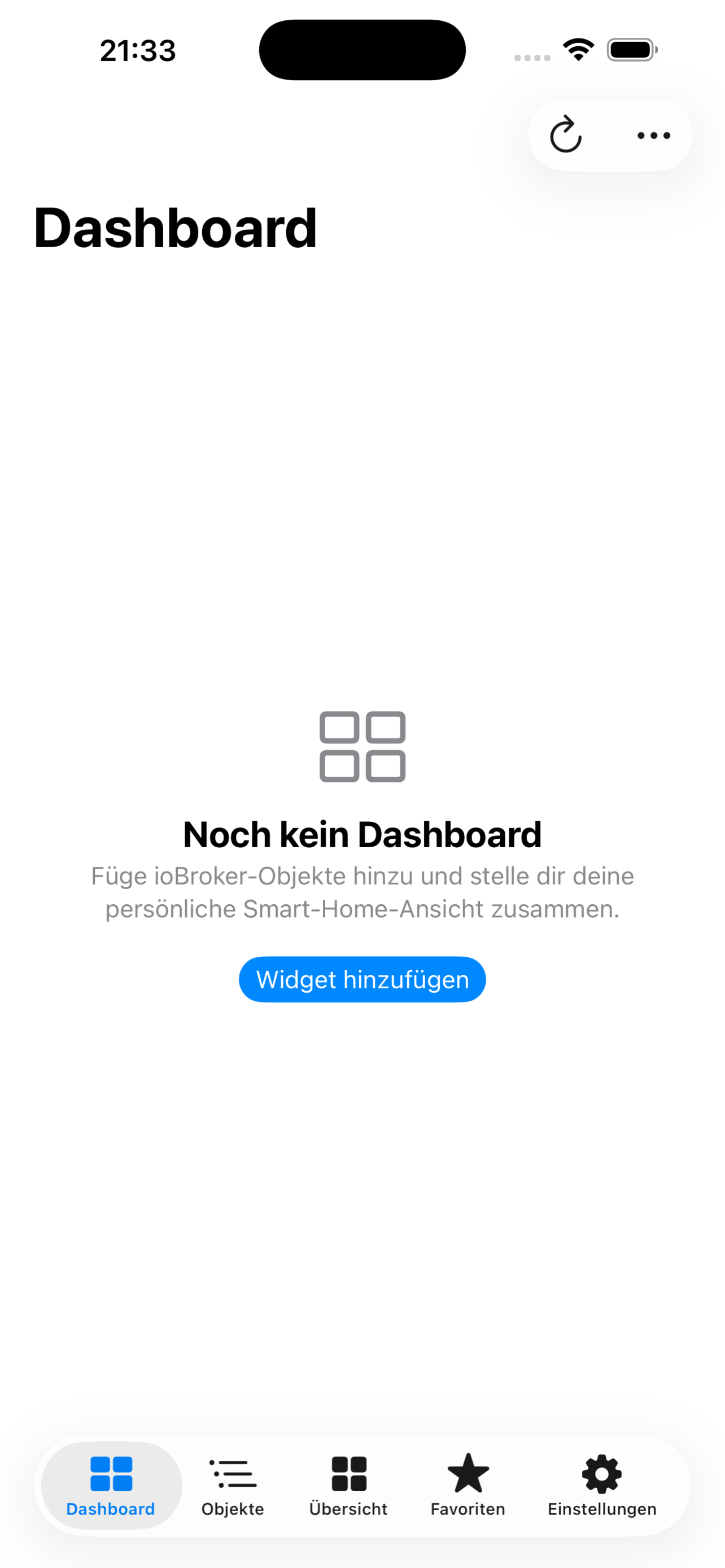
Configurable components for lights, blinds, thermostats, sensors and more.
States and dashboard also on the home screen or your wrist.
Read and write states by voice or automation.
Passwords and Cloudflare secrets stay local in the iOS keychain.
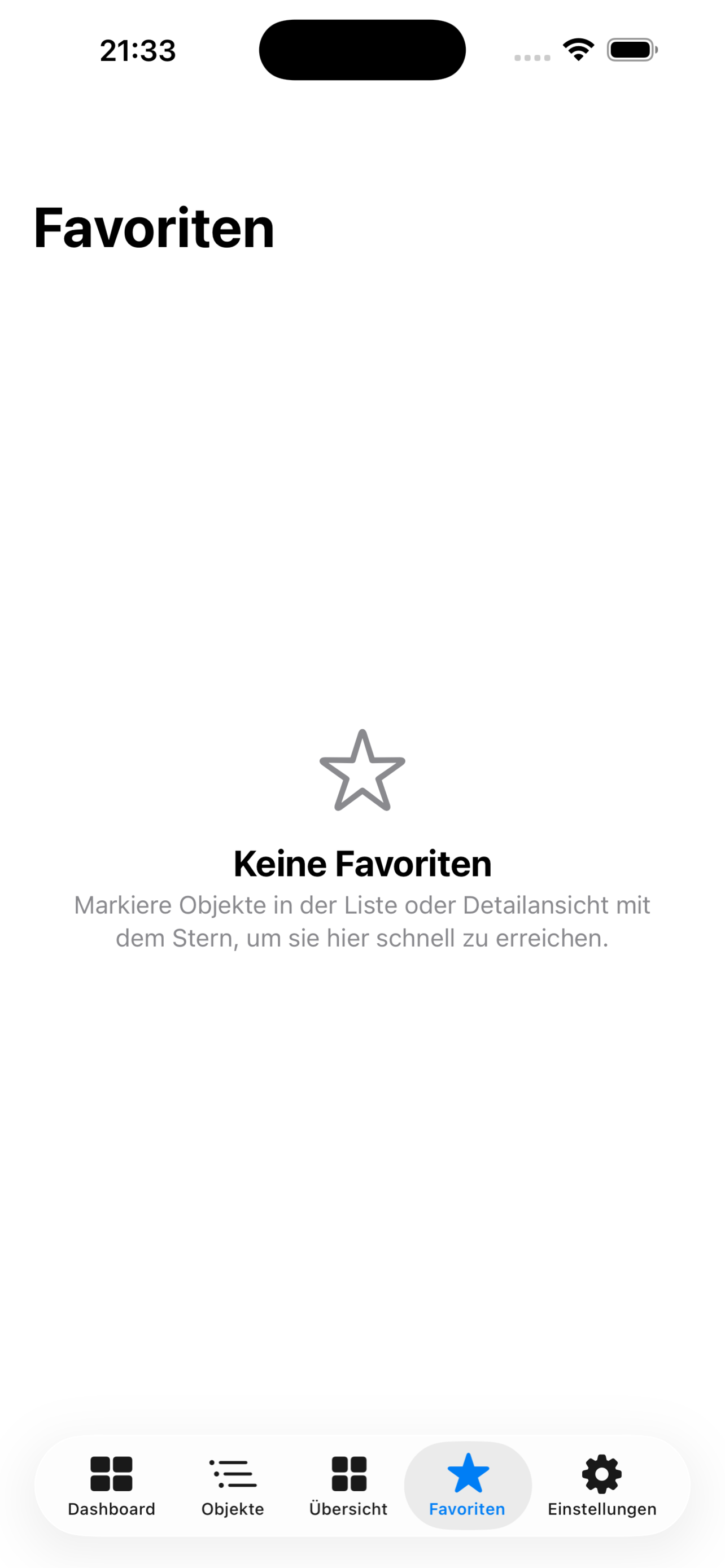
Screenshots from the App Store.
You need your own ioBroker installation with simple-api or rest-api. Live updates additionally require a web or admin adapter with socket.io.
The connection works over the local network, via VPN or through Cloudflare Zero Trust. Passwords and Cloudflare secrets stay in the iOS keychain and are not synced via iCloud.
Need help, want to report a problem or share feedback? Feel free to get in touch.
Please include the app version, operating-system version, device and a short description. Do not send passwords, tokens or other confidential data.

AirPlay multiroom audio from your Mac.

Your SAT>IP television. On your Apple devices.
Coming soon: Mac · Apple TV