
Automatic discovery
Finds SAT>IP servers on your local network by itself.

APP
Your SAT>IP television. On your Apple devices.
Live TV and radio from your SAT>IP server on your home network. With dedicated interfaces for iPhone and iPad, Mac and Apple TV.
One subscription or lifetime in-app purchase for iPhone/iPad, Mac and Apple TV.
The app requires its own SAT>IP server or tuner on your home network as well as legally receivable channels; content is not provided by the app itself.
Every subscription and lifetime in-app purchase includes iPhone and iPad, Mac and Apple TV. No separate purchase is needed for each platform.
| Access | For you | For your family |
|---|---|---|
| Monthly | €2.99per month | €3.79per month |
| Yearly | €9.99per year | €12.49per year |
| Lifetime | €49.99one-time payment | €69.99one-time payment |
The download is free. Choose a subscription or a one-time lifetime in-app purchase for playback.
Individual products cover your devices using the same Apple Account. Family products let you share access with up to five other family members through Apple Family Sharing.
If needed, use Restore Purchases to activate an existing subscription or lifetime in-app purchase on your other devices. Current availability for each app is shown above.
Subscriptions renew automatically and can be cancelled through Apple. Lifetime access is a one-time purchase without a subscription.
Prices in euros for Austria, checked on 16 October 2026. Prices may differ in other countries. The price Apple shows before purchase applies. Prices in the Austrian App Store
Finds SAT>IP servers on your local network by itself.
Play live TV and radio in high quality.
Watch TV and listen to radio without ads or data collection.
Screenshots from the App Store.
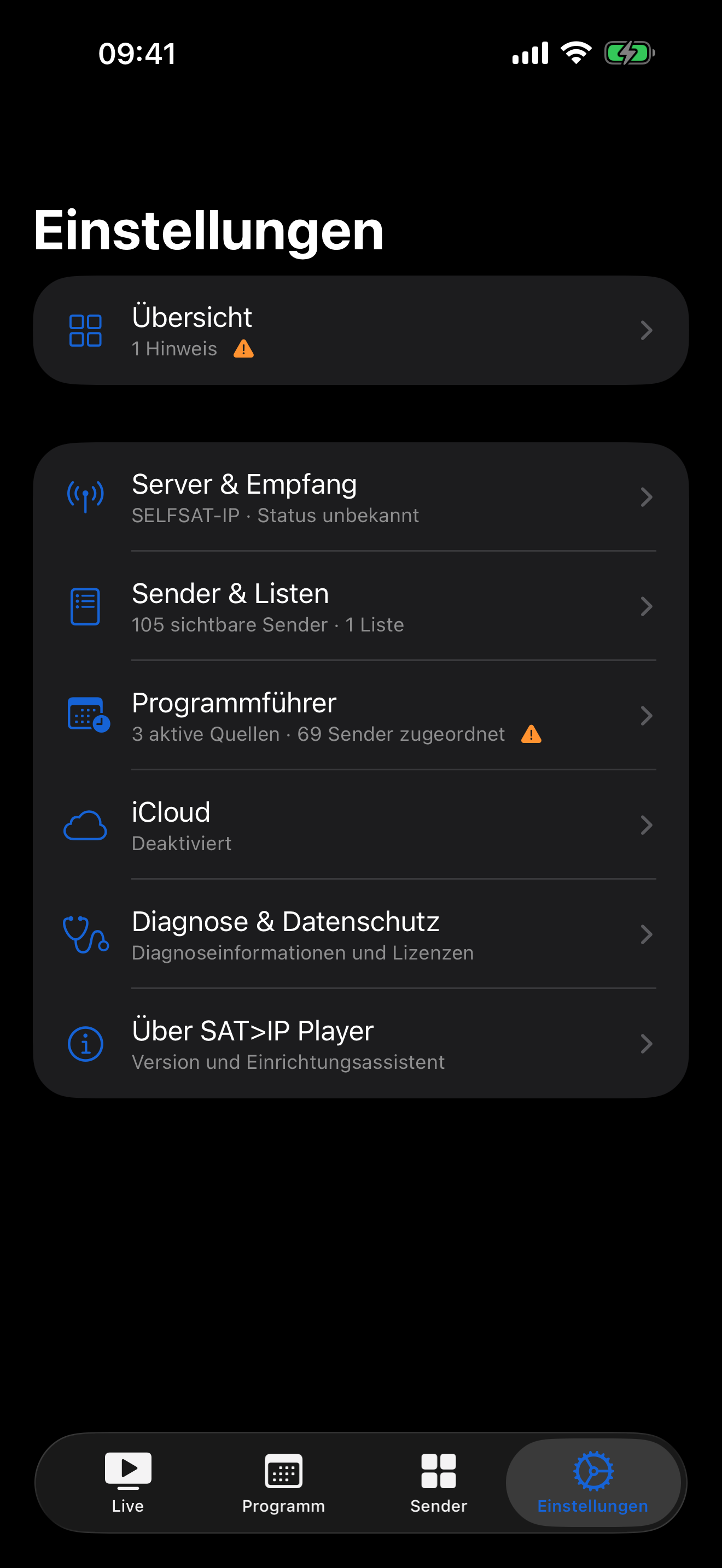
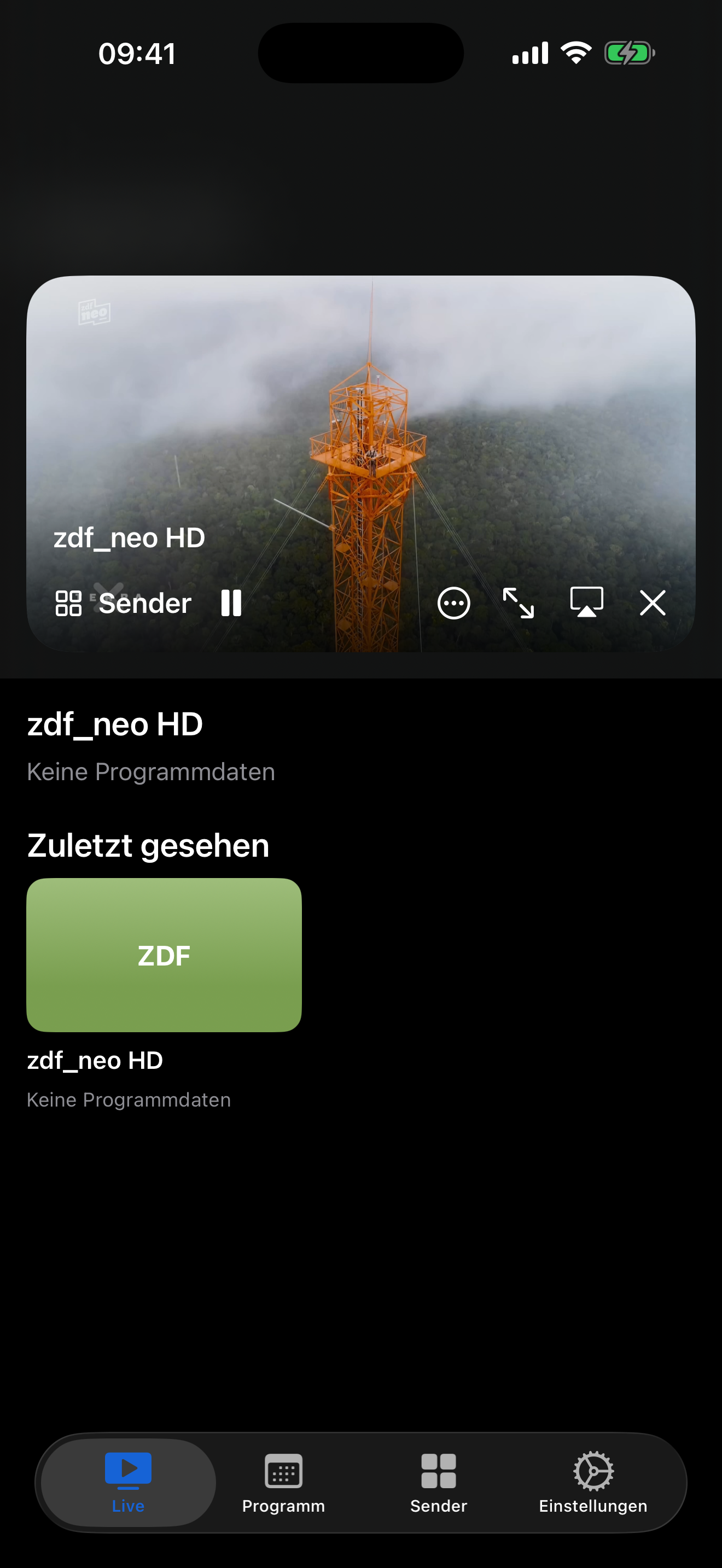
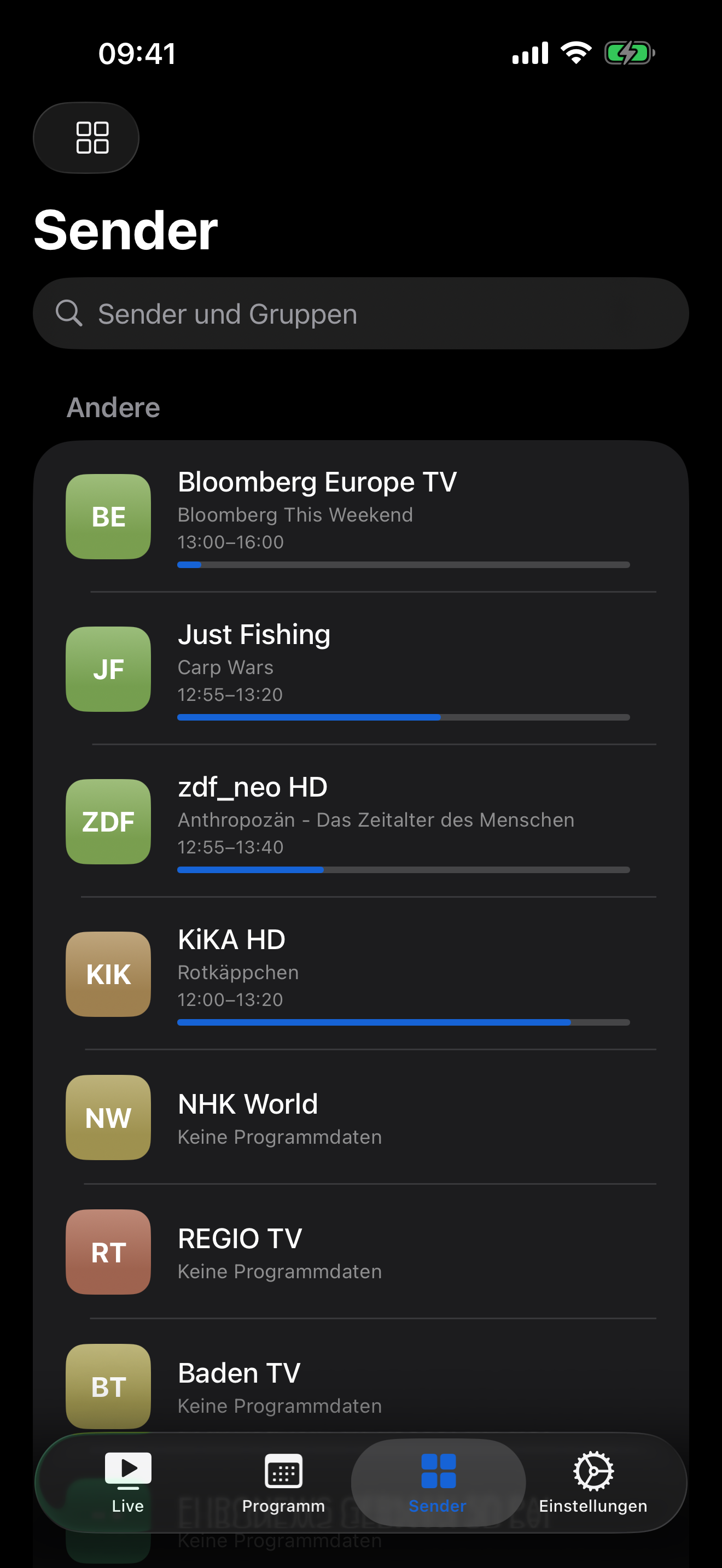

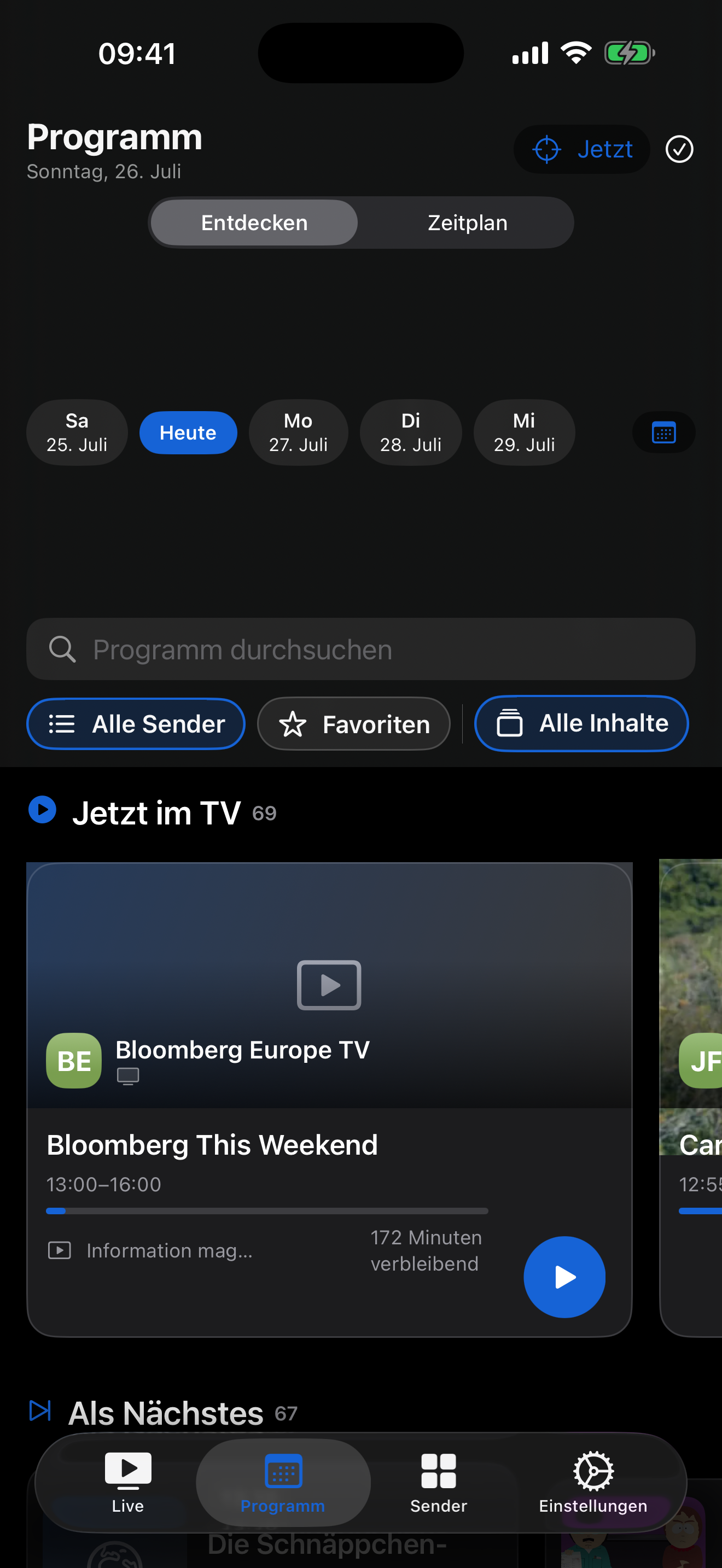
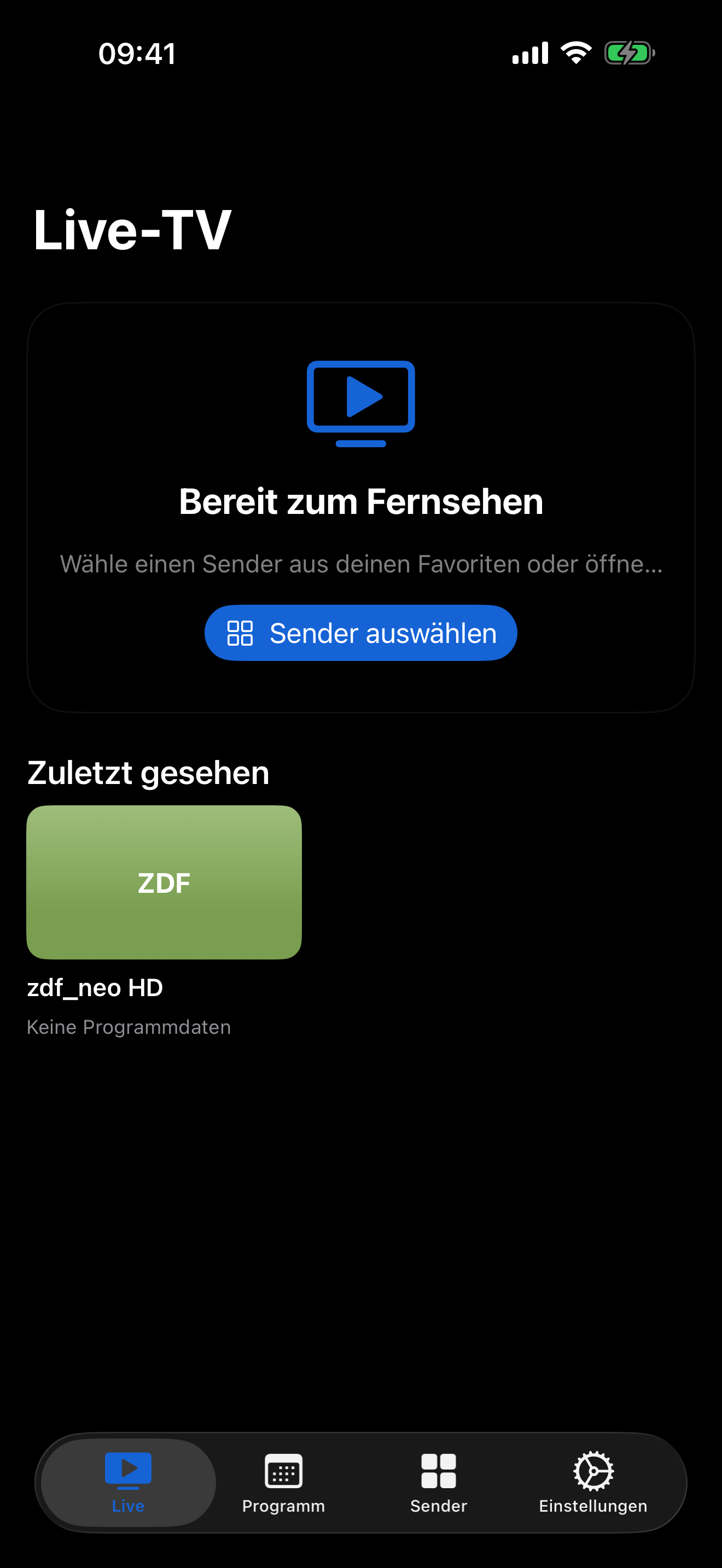
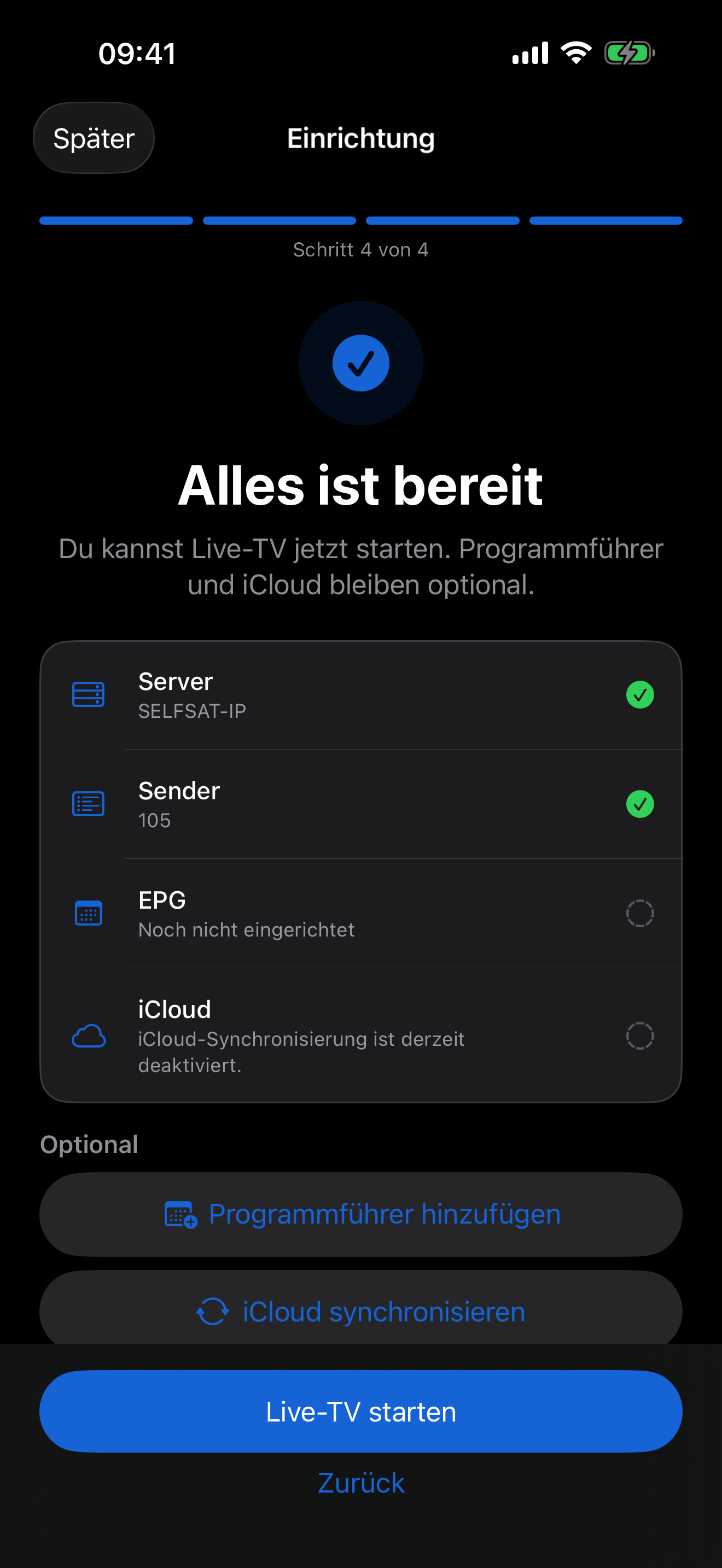
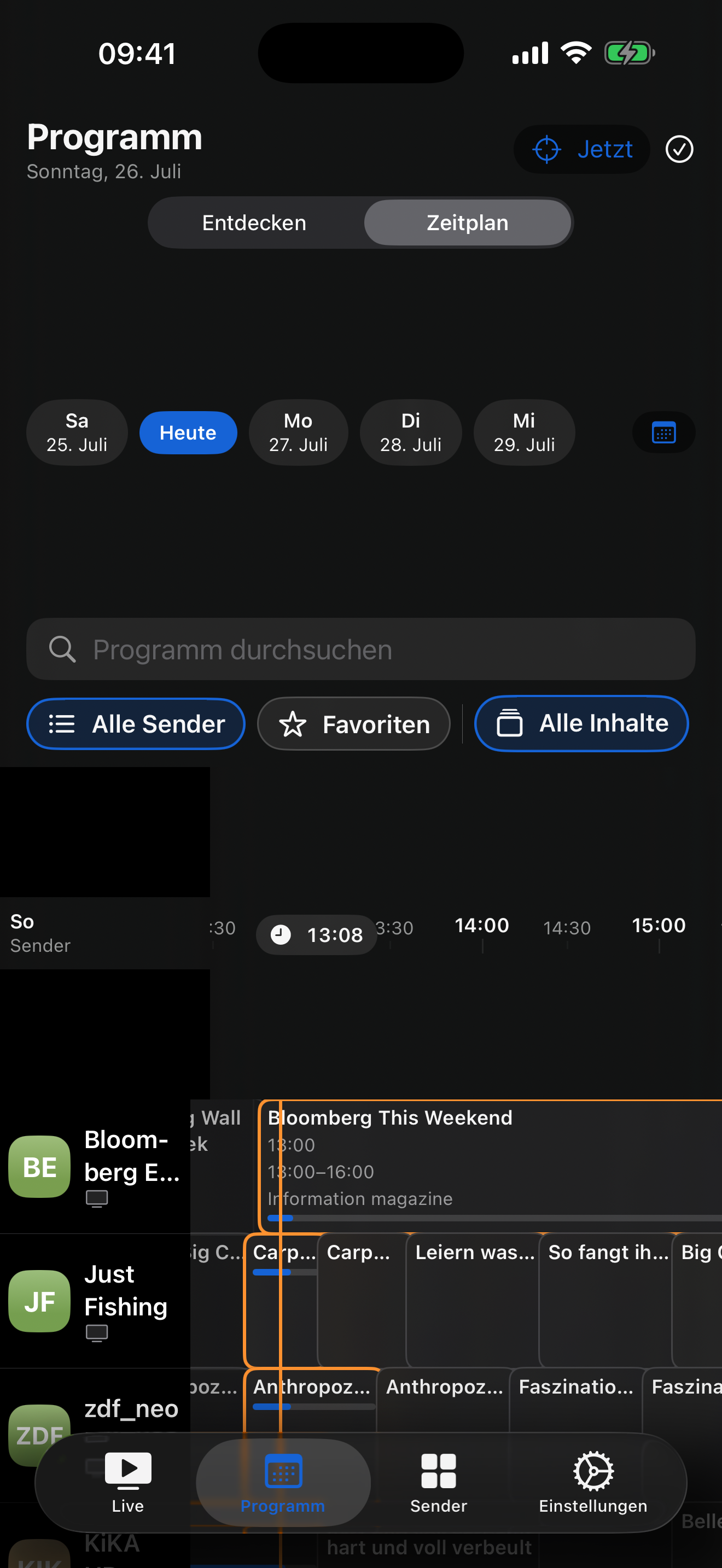
Coming soon
The native Mac app brings your channels to your desktop. Watch in a large window, switch to full screen or keep the mini-player alongside your work.
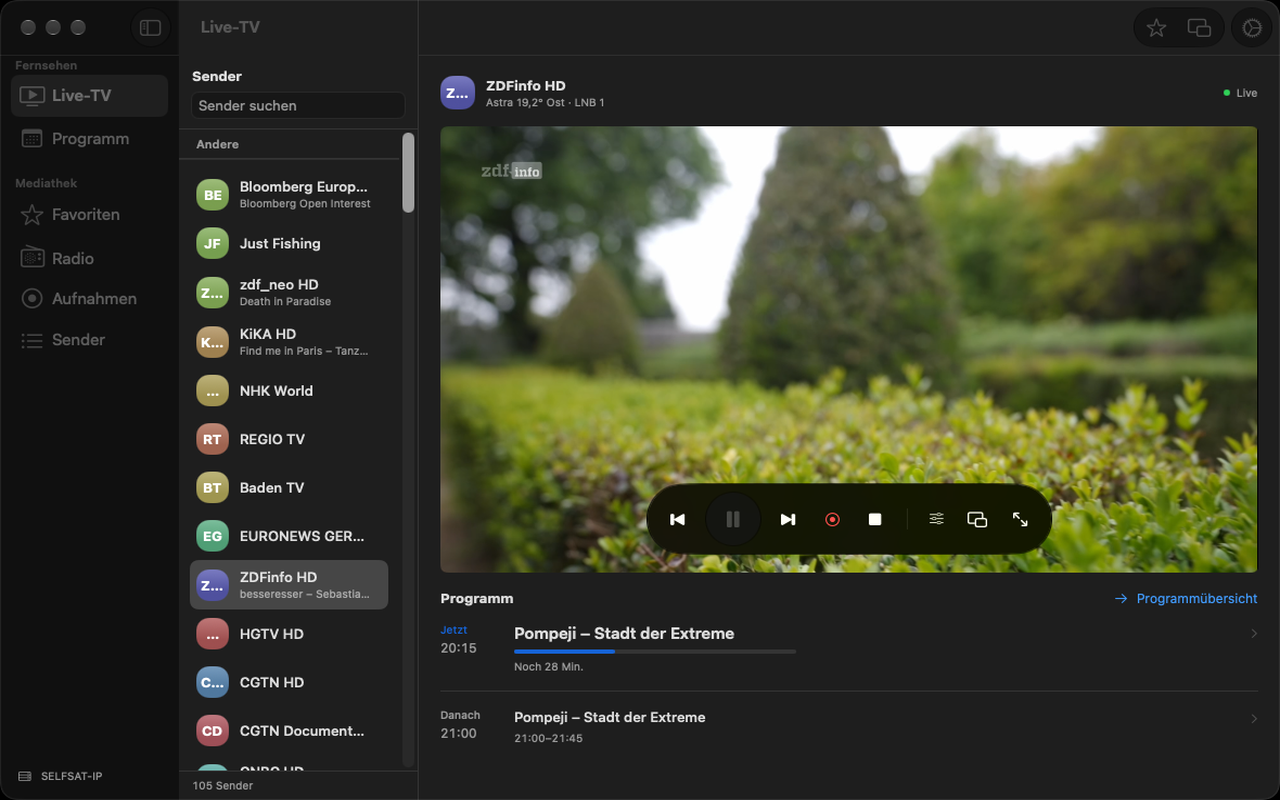
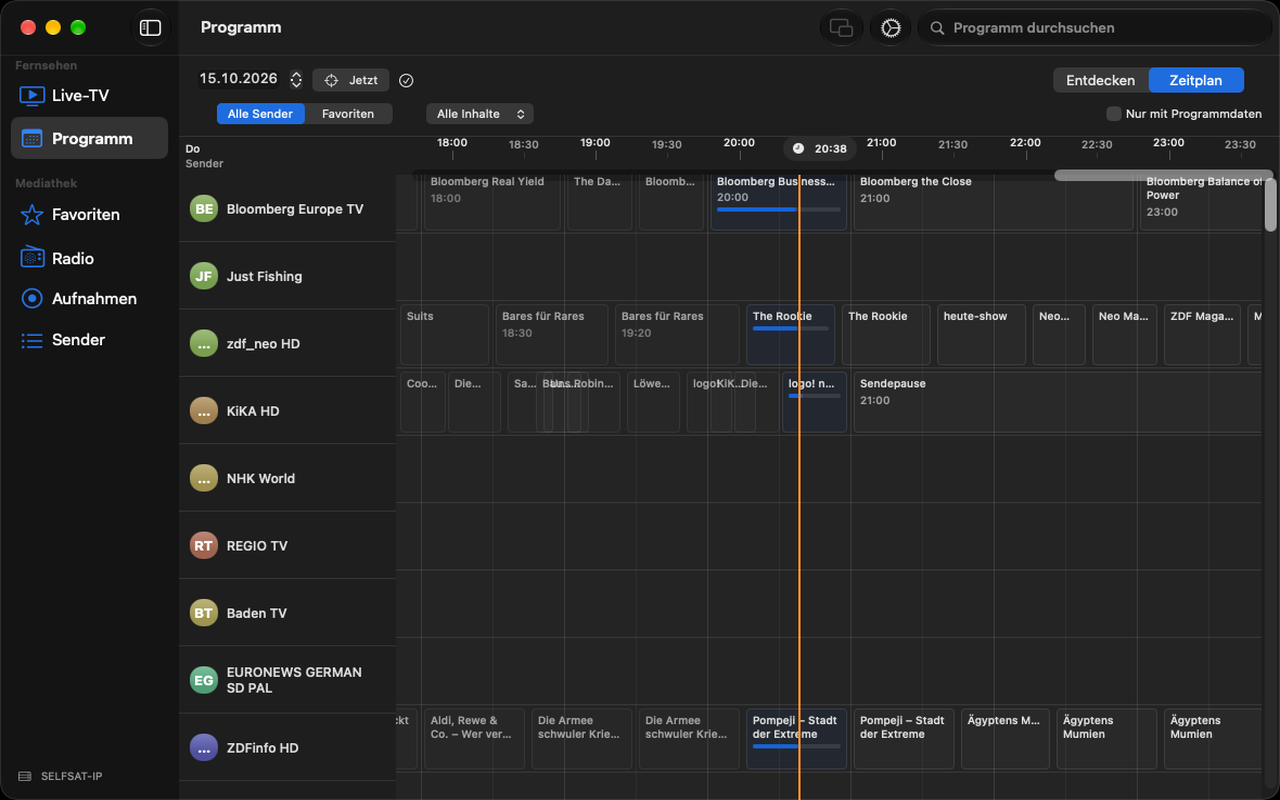
Choose the view that suits you. The mini-player can stay on top of other windows while you work.
Explore current and upcoming shows in the programme overview or timeline. Add programme data through your own XMLTV sources.
Record shows directly or schedule recordings. Optional timeshift lets you pause live TV and continue later. Your Mac must stay on and awake for recordings.
Coming soon · Mac
Coming soon
The Apple TV app brings your SAT>IP television to the living room. A dedicated TV interface lets you browse channels, favourites and the programme guide with your remote.
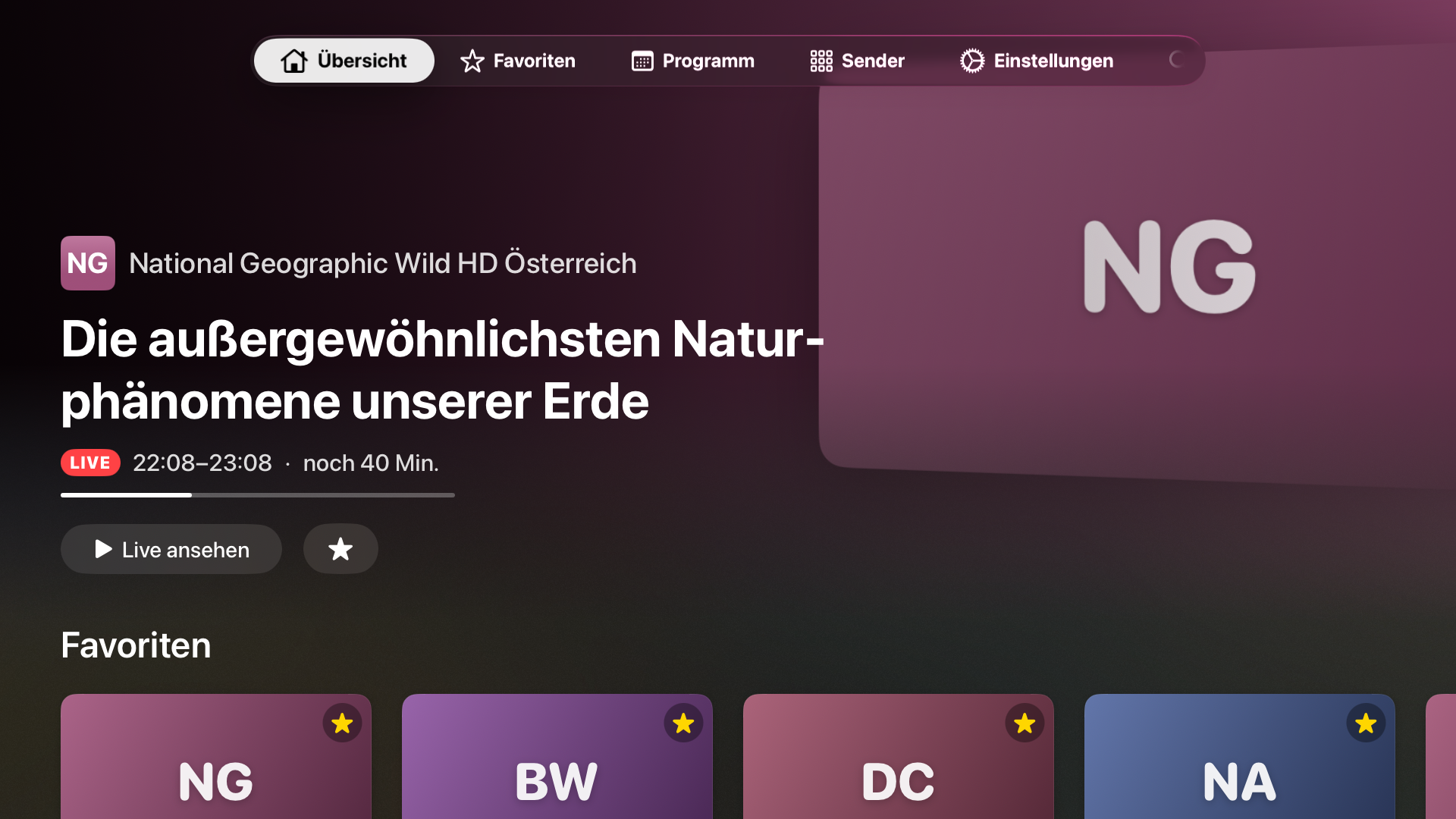
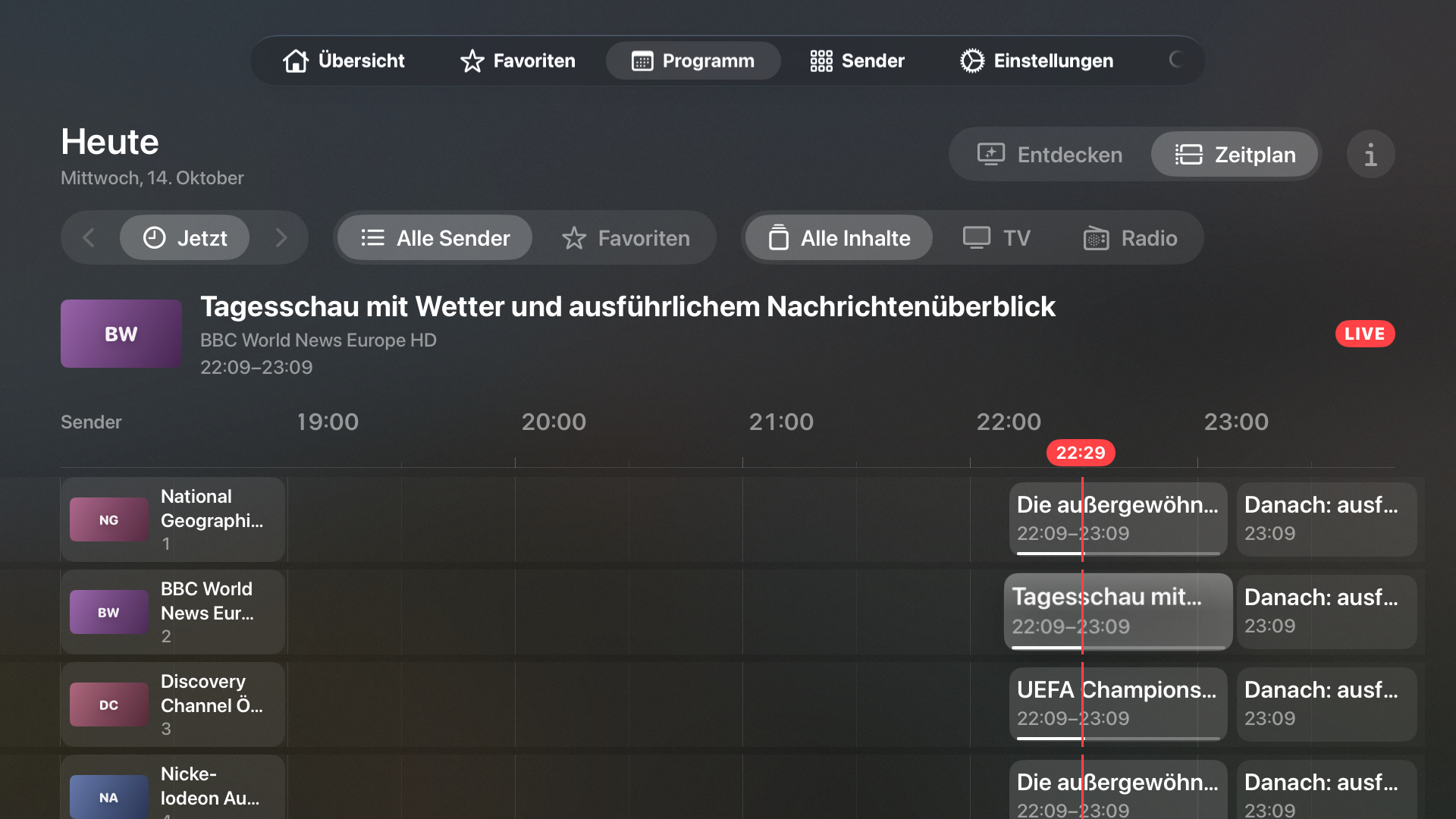
Large channel cards and clear navigation make it easy to choose what to watch on your TV.
See what's on now and what's coming next. Add programme data through your own XMLTV sources.
Mark your favourite channels and open them directly from the favourites view.
Coming soon · Apple TV
Yes. Player for SAT>IP requires its own SAT>IP server or tuner on your home network. The app detects servers on the local network and plays their TV and radio channels.
No. The app doesn't provide any content itself. You need your own legally receivable TV and radio channels provided by your SAT>IP server.
No. Every subscription and lifetime in-app purchase offered here covers iPhone and iPad, Mac and Apple TV. Use the same Apple Account on your devices and Restore Purchases if needed. Current availability for each app is shown above.
Yes, with a family subscription or the lifetime family purchase. These products support Apple Family Sharing for you and up to five other family members. Individual products cannot be shared with other people.
Need help, want to report a problem or share feedback? Feel free to get in touch.
Please include the app version, operating-system version, device and a short description. Do not send passwords, tokens or other confidential data.

AirPlay multiroom audio from your Mac.

Your ioBroker objects, native on iPhone.