Synchronized multiroom from one Mac
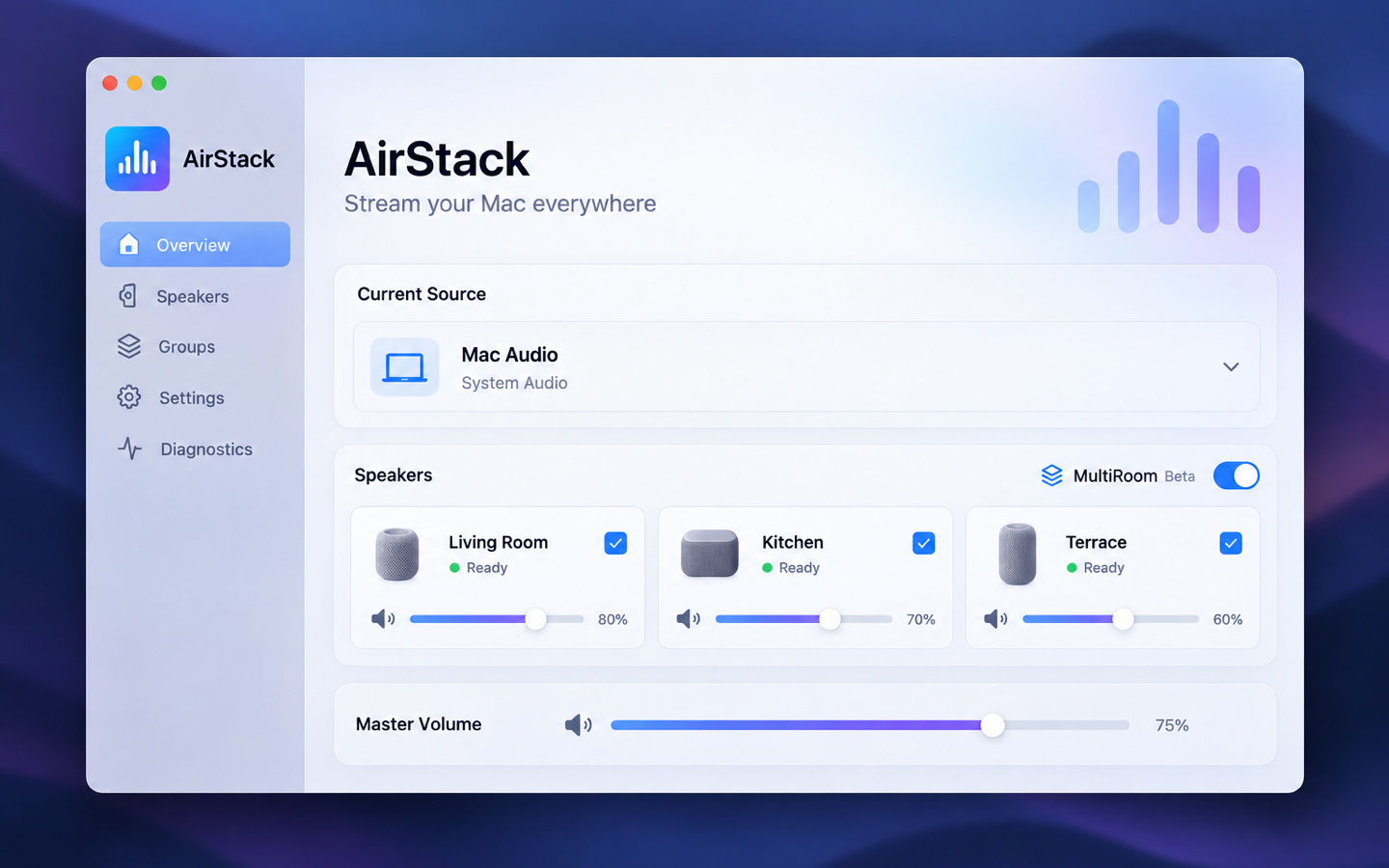
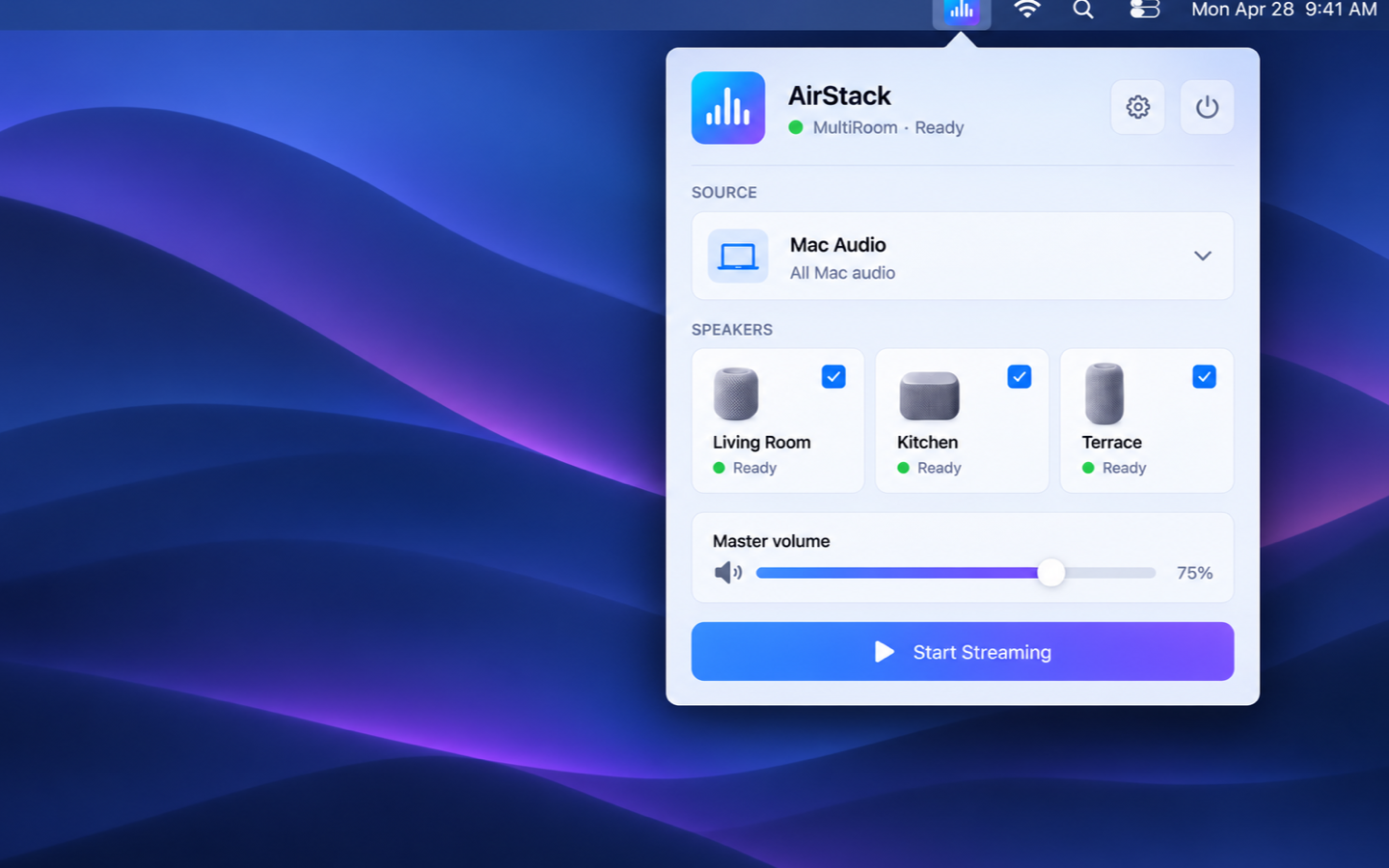
Select two or more speakers and receivers compatible with AirPlay, and play the same Mac audio across your rooms. AirStack prepares the group on a shared timing path instead of just opening unrelated streams.

MAC APP
AirPlay multiroom audio from your Mac.
Send audio from your Mac to two or more compatible speakers and receivers at the same time, with saved groups, individual volume, and automatic reconnect.
AirStack sends audio from your Mac to two or more compatible speakers and receivers at the same time. Your Mac remains the playback source while AirStack coordinates the group so playback begins together rather than as independent streams. For speakers and receivers compatible with AirPlay, AirStack provides shared timing, group-wide setup, and common-start scheduling when the connected receivers support the required timing features. The free companion app AirStack Companion adds remote control from your iPhone or iPad. AirStack and AirStack Companion are currently being prepared for release on the Mac App Store and the App Store.
Select two or more speakers and receivers compatible with AirPlay, and play the same Mac audio across your rooms. AirStack prepares the group on a shared timing path instead of just opening unrelated streams.
Choose all Mac audio when everything should reach your speakers, or select just one app when only its sound matters.
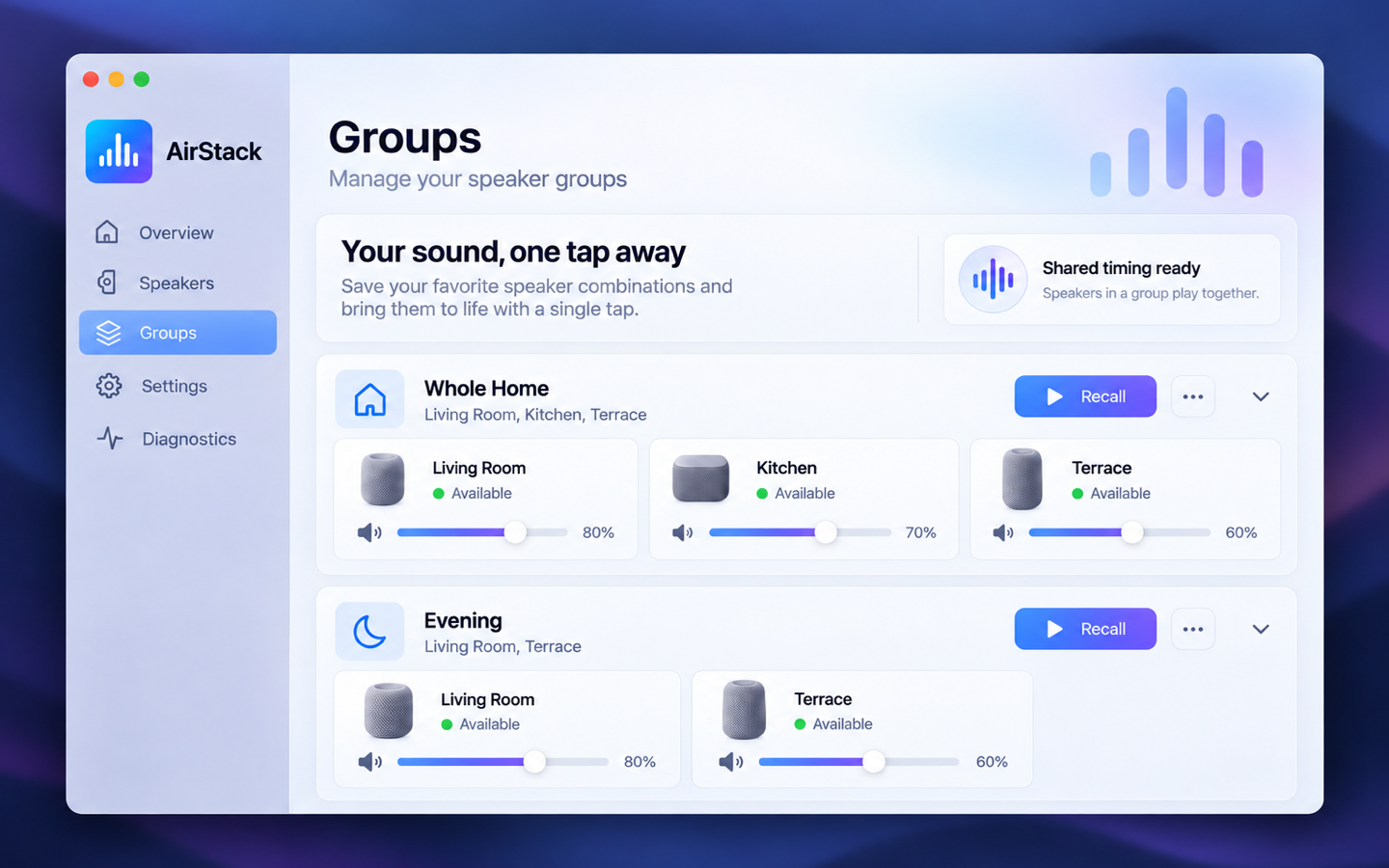
Create groups such as Living Area, Downstairs, or Whole House and recall them with one click. AirStack remembers speakers by their device identity rather than a momentary network address.
Use one master volume for the whole group, then fine-tune individual speakers with persistent per-speaker volume and mute.
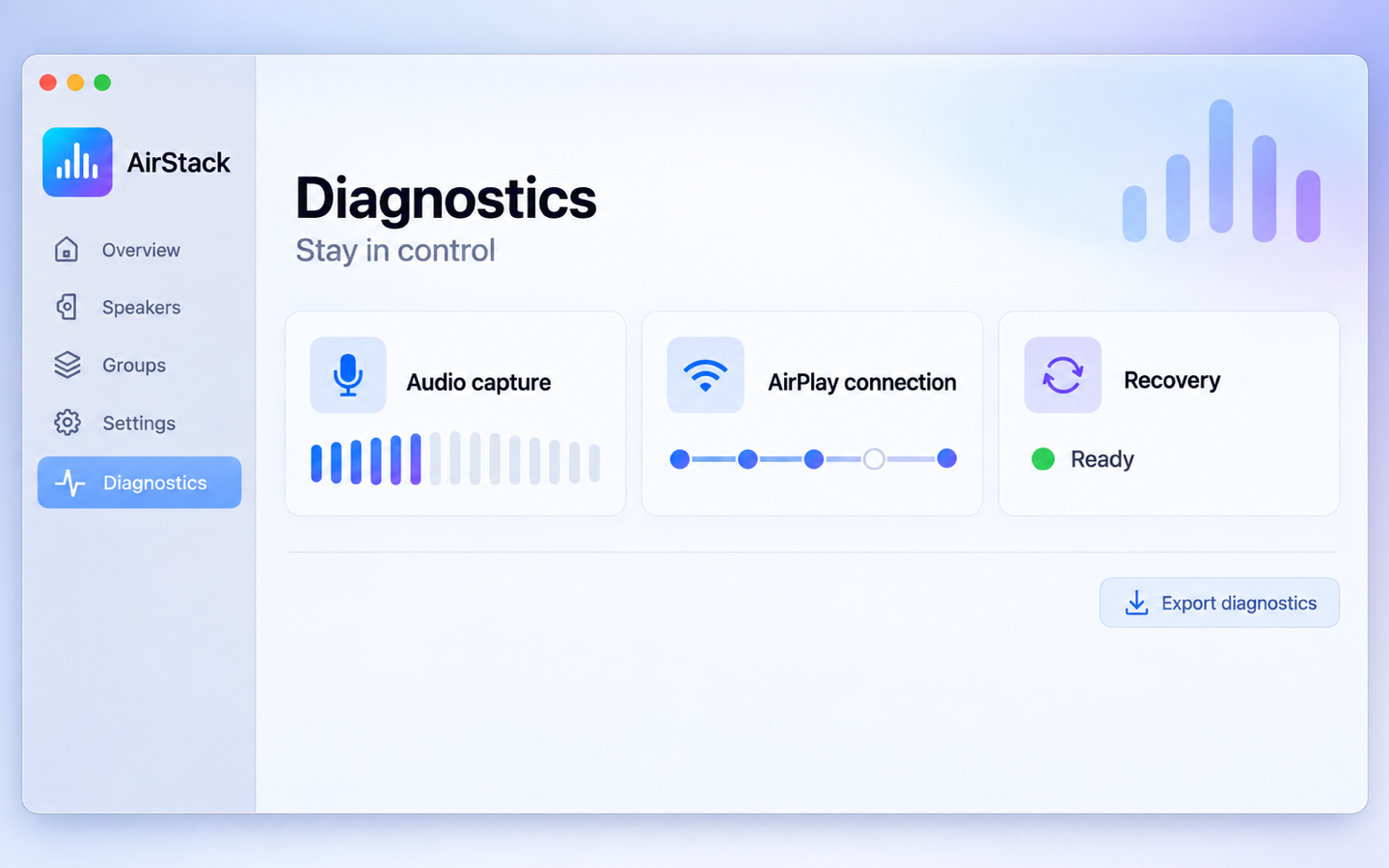
If a selected receiver briefly disappears or changes its network address, AirStack can rebuild the stream automatically.
Only the permissions it needs (system audio, local network) – your audio never leaves your Mac and home network.
The free companion app AirStack Companion controls source, speakers, groups and volume from wherever you are in the house – playback itself always stays on the Mac.
Screenshots from the current preview version.
Control AirStack from wherever you are in the house: switch the audio source, pick speakers and saved groups, adjust every volume individually, and start or stop streaming. Pairing happens once, with a code, over the local network — your audio always keeps playing from the Mac. AirStack Companion is free, included in the same App Store listing, and ships a dedicated iPad layout.
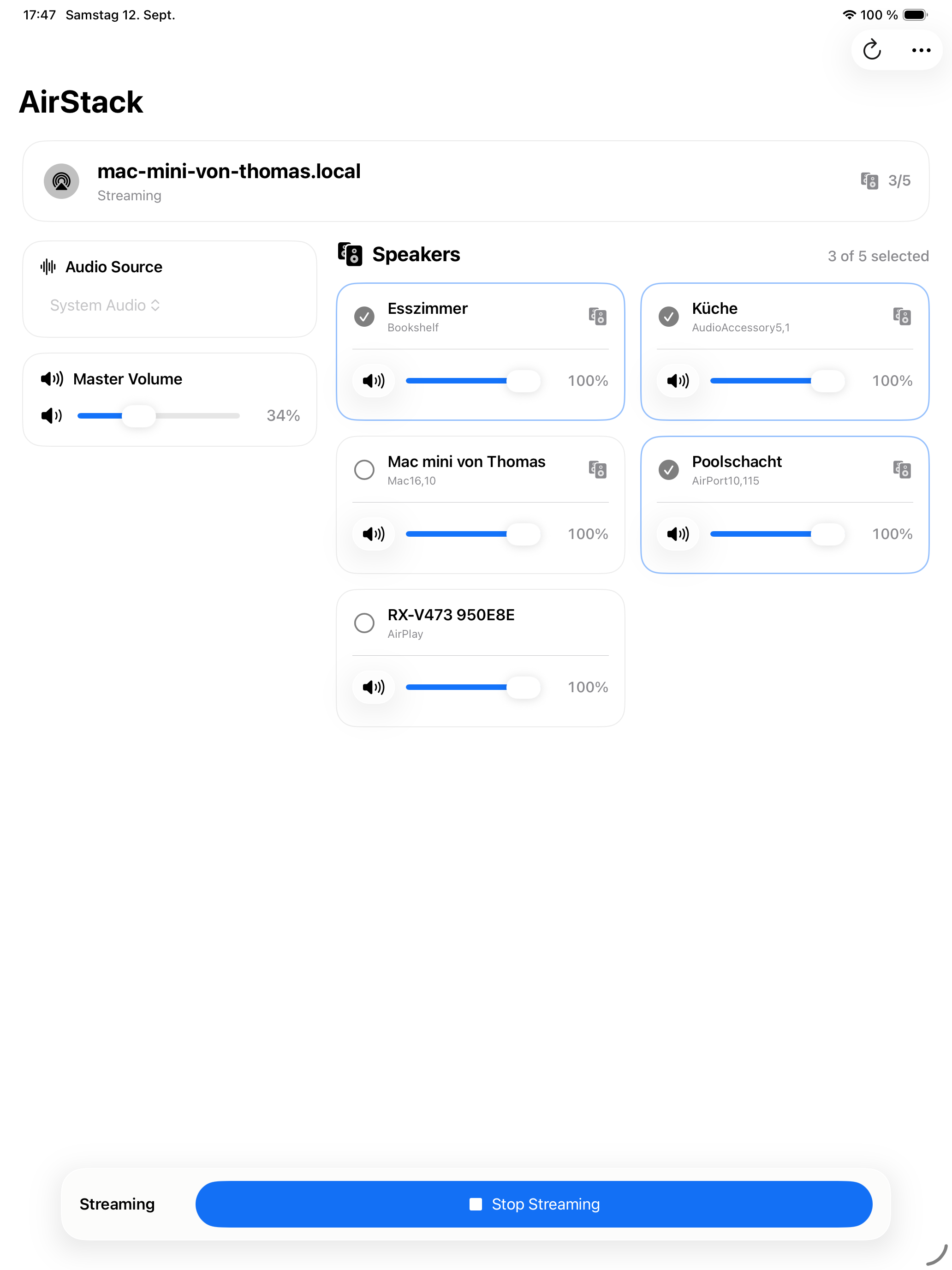
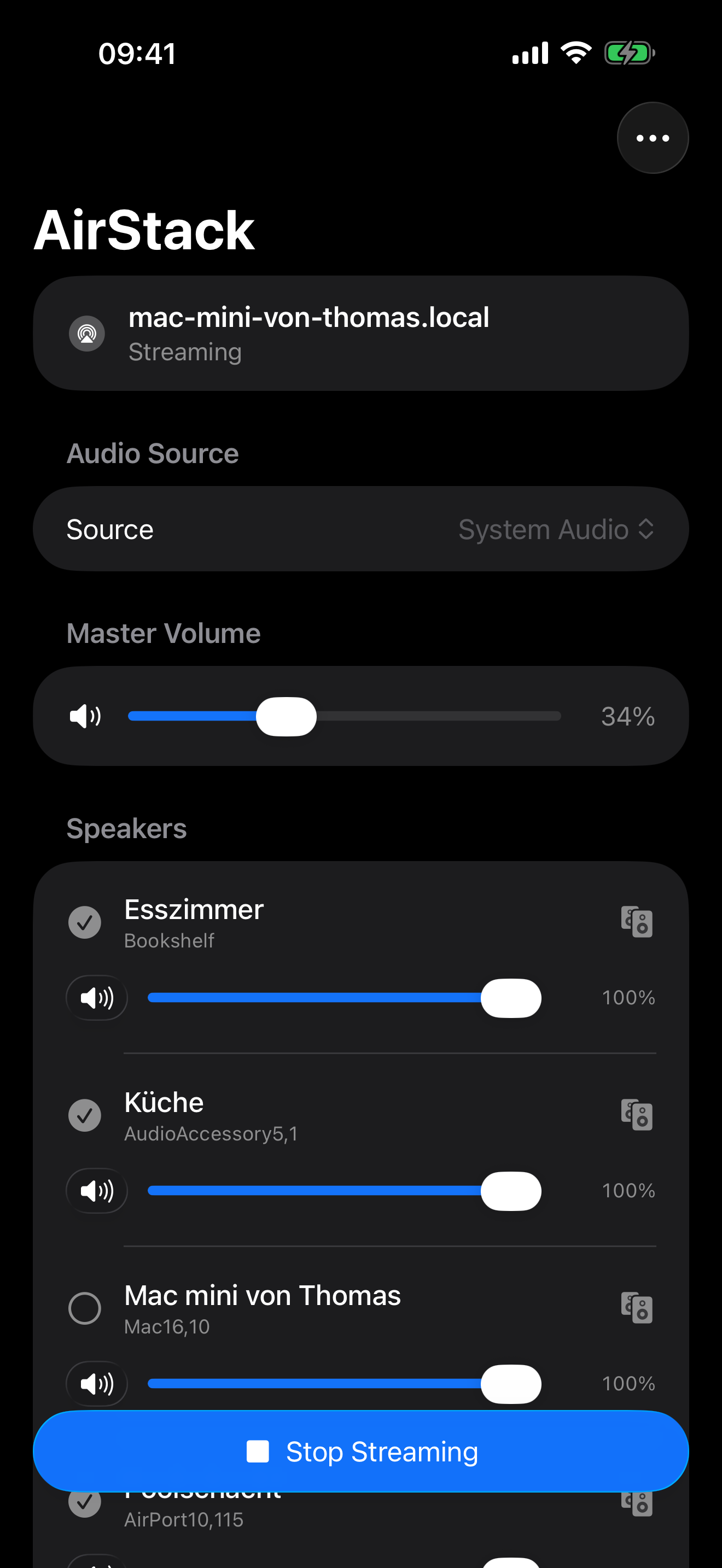
AirStack requires macOS 14.2 or later and at least one compatible receiver on your local network. Synchronized playback across multiple speakers needs at least two receivers compatible with AirPlay that support the required timing features.
Yes, that's exactly what AirStack is built for: select two or more speakers and receivers compatible with AirPlay, and play the same Mac audio as one multiroom group.
No. AirStack transports audio locally from your Mac to receivers on the same network – no cloud upload or internet streaming.
AirStack and the companion app AirStack Companion are currently being prepared for release on the Mac App Store and the App Store. Compatibility and synchronization for multiroom playback depend on the capabilities of the connected receivers.
Yes, the free companion app AirStack Companion controls AirStack from wherever you are in the house. It doesn't stream any audio itself – playback keeps running on the Mac, the iPhone or iPad is just the remote control.
Need help, want to report a problem or share feedback? Feel free to get in touch.
Please include the app version, operating-system version, device and a short description. Do not send passwords, tokens or other confidential data.

Your SAT>IP television. On your Apple devices.
Coming soon: Mac · Apple TV

Your ioBroker objects, native on iPhone.