Remote Xcode over VPN
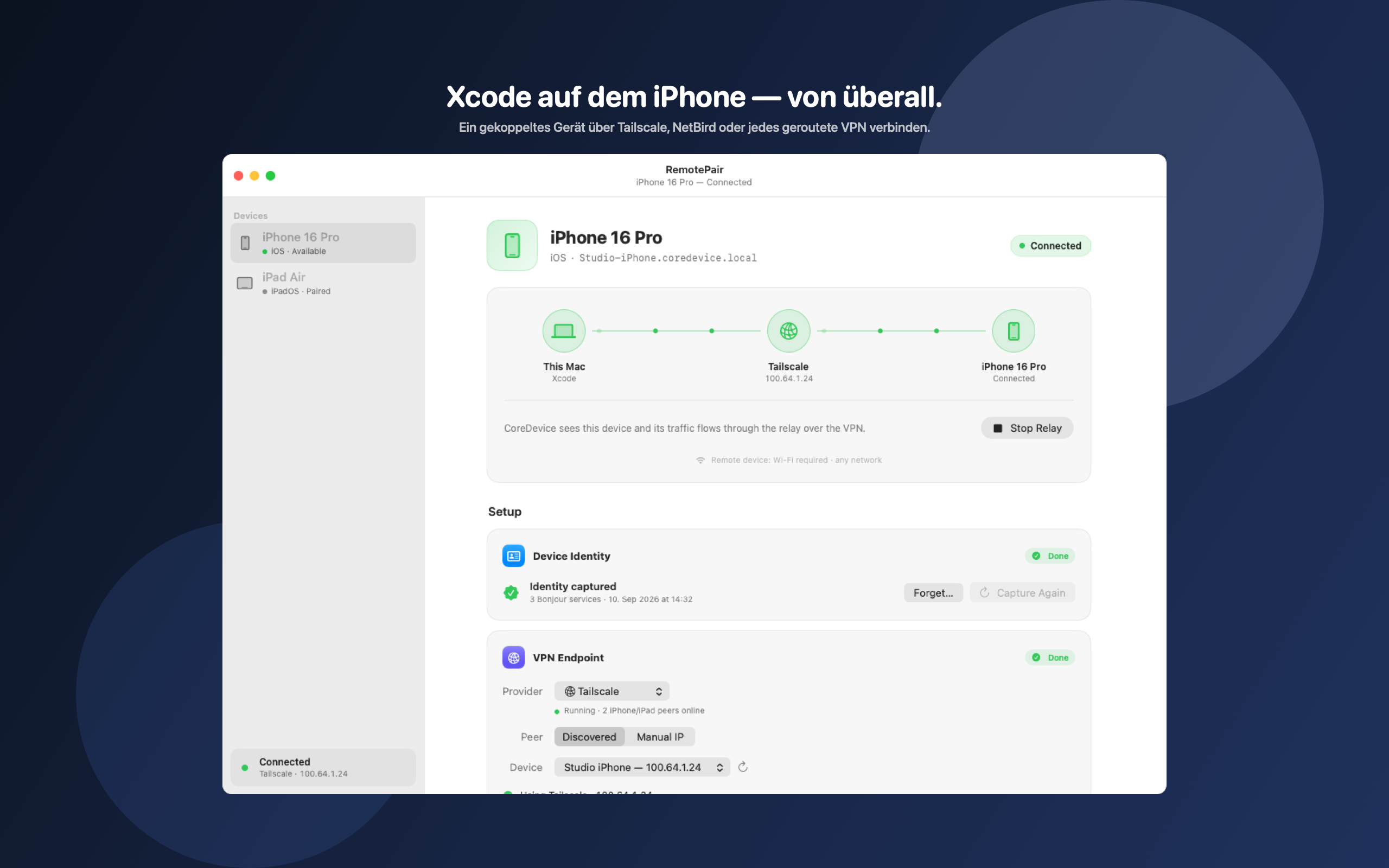
After a one-time identity capture, RemotePair republishes the real Bonjour identity on your Mac and relays the Xcode tunnel over your VPN.
MAC APP
Xcode on your iPhone. From anywhere.
RemotePair makes an already-paired iPhone or iPad reachable to Xcode across Tailscale, NetBird, or any routed VPN.
Important: remote pairing with Xcode does not work over cellular. The iPhone or iPad must stay on Wi-Fi — hotel, cafe, airport, or any other public network is fine. It does not need to be the same Wi-Fi as the Mac. Setup is free; connecting to Xcode is RemotePair Pro.
After a one-time identity capture, RemotePair republishes the real Bonjour identity on your Mac and relays the Xcode tunnel over your VPN.
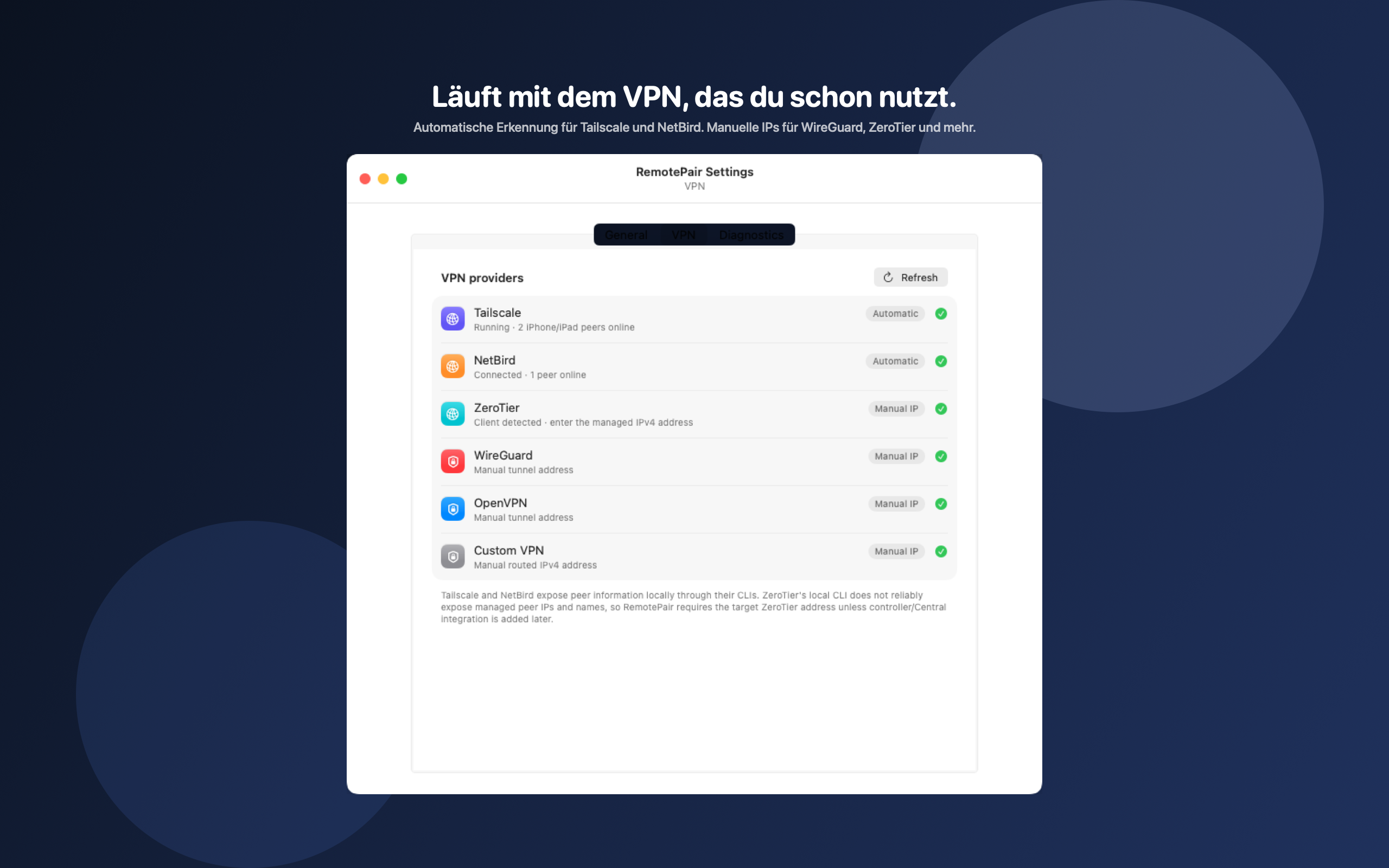
Automatic peer discovery for Tailscale and NetBird. For ZeroTier, WireGuard, OpenVPN, or a custom routed VPN, enter the device IPv4 address.
The iPhone or iPad must stay on some Wi-Fi network — public Wi-Fi is fine. It does not need to match Xcode. Cellular-only, even with a VPN, is not enough.
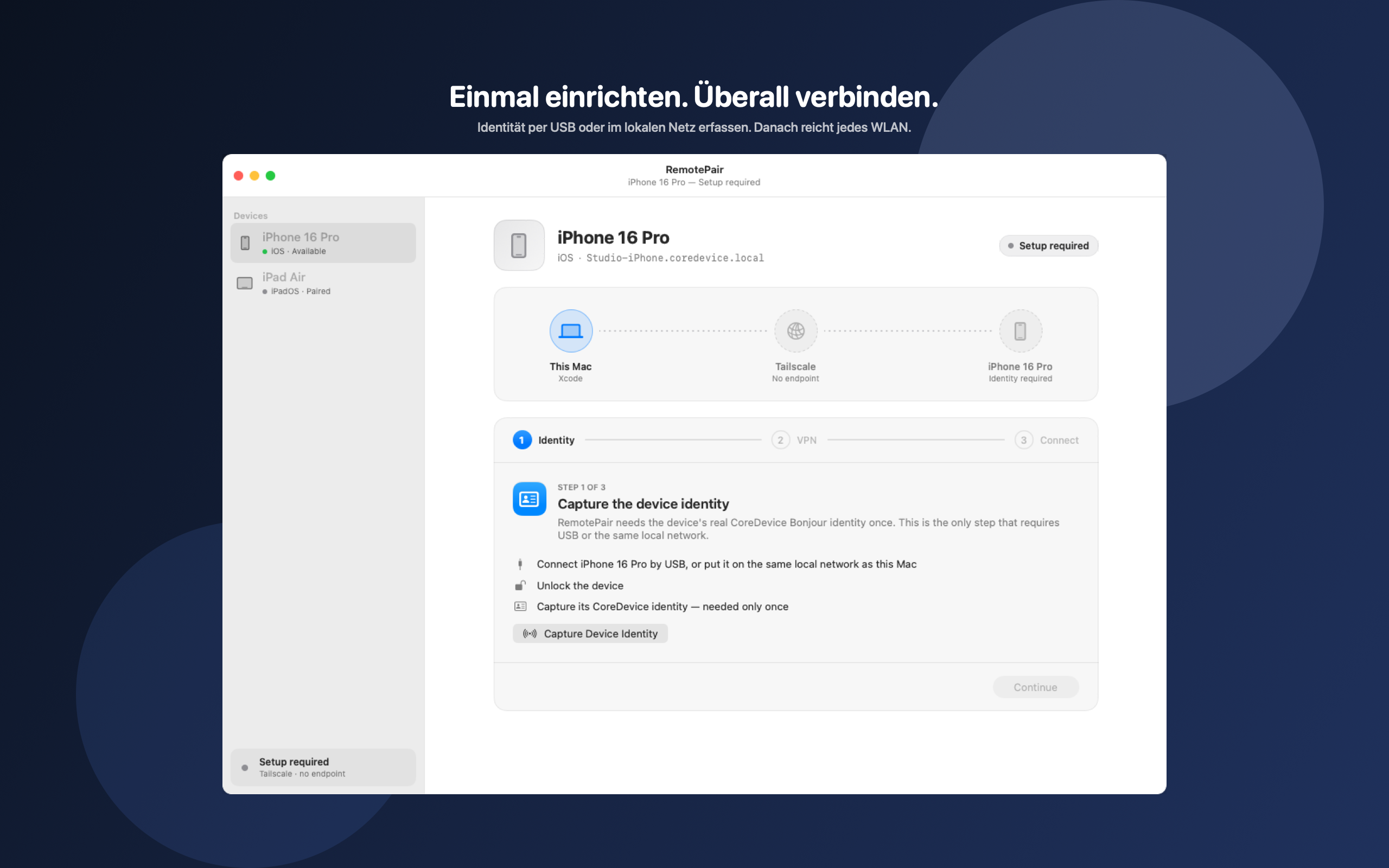
Capture identity over USB or the same local network. After that, any Wi-Fi on the device is enough — it does not need to match the Mac.
Device sidebar, VPN setup, menu bar, Settings, and Diagnostics. Connected appears only after CoreDevice confirms the device.
RemotePair Pro unlocks the relay: monthly or yearly, with a 14-day trial for eligible Apple IDs.
Screenshots from the current preview version.
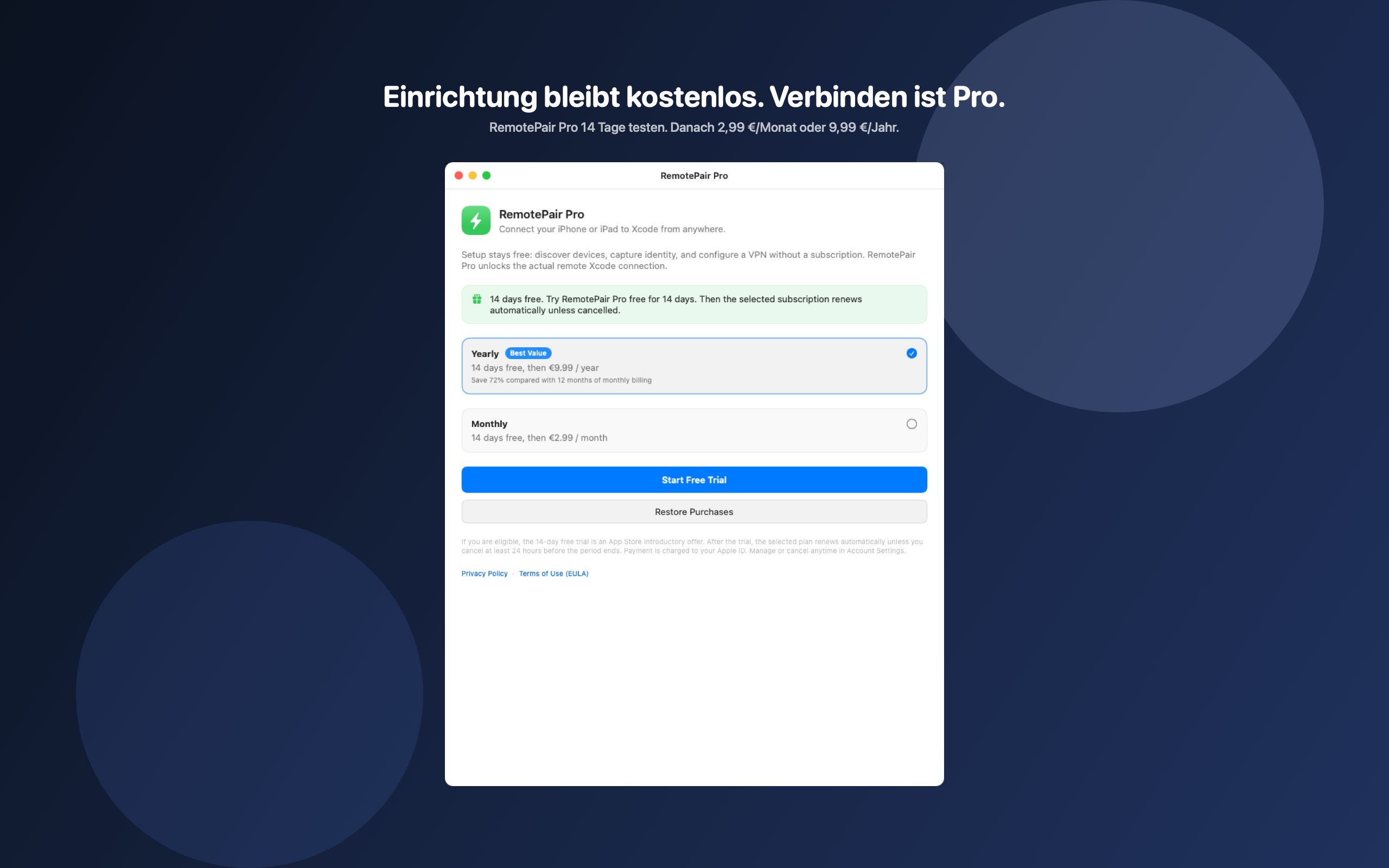
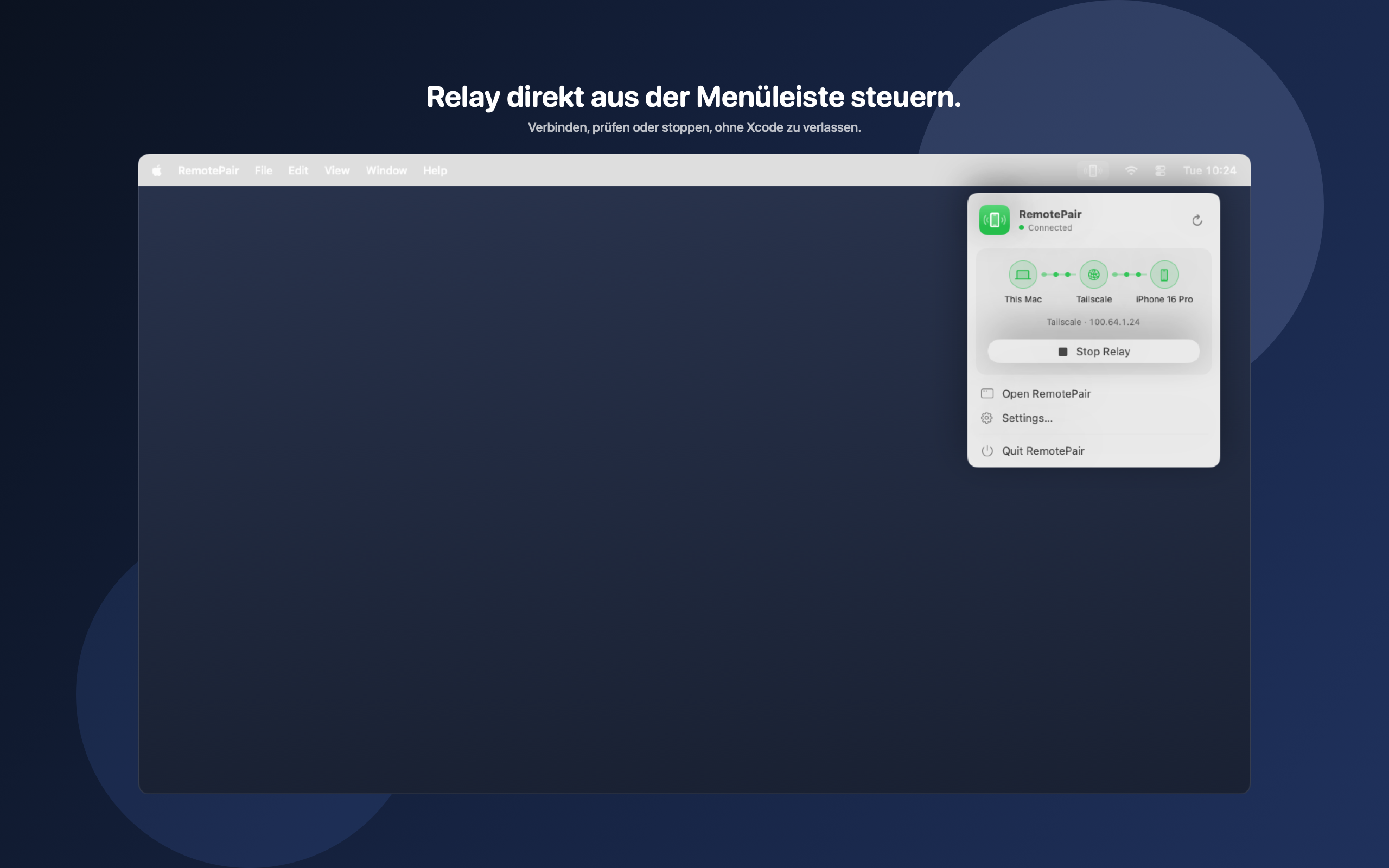
Not for setup. Discovering devices, capturing identity, configuring a VPN, Settings, and Diagnostics stay free. The Xcode connection starts only with RemotePair Pro or the 14-day trial.
Tailscale and NetBird are discovered automatically. ZeroTier, WireGuard, OpenVPN, and other routed VPNs work via the device IPv4 address. Mac and device must reach each other over the VPN.
Xcode remote services only answer while the device is joined to some Wi-Fi network. Hotel, cafe, airport, or other public Wi-Fi is fine. It does not need to be the same Wi-Fi as the Mac or Xcode. Cellular-only is not enough, even with a VPN.
Once, over USB or the same local network as the Mac, with the device unlocked. RemotePair stores the real Bonjour identity and binds it to the CoreDevice device selected in the app.
RemotePair is being prepared for the Mac App Store and is not for sale yet. This product page and the support URL are already live.
Need help, want to report a problem or share feedback? Feel free to get in touch.
Please include the app version, operating-system version, device and a short description. Do not send passwords, tokens or other confidential data.

AirPlay multiroom audio from your Mac.

Your ioBroker objects, native on iPhone.