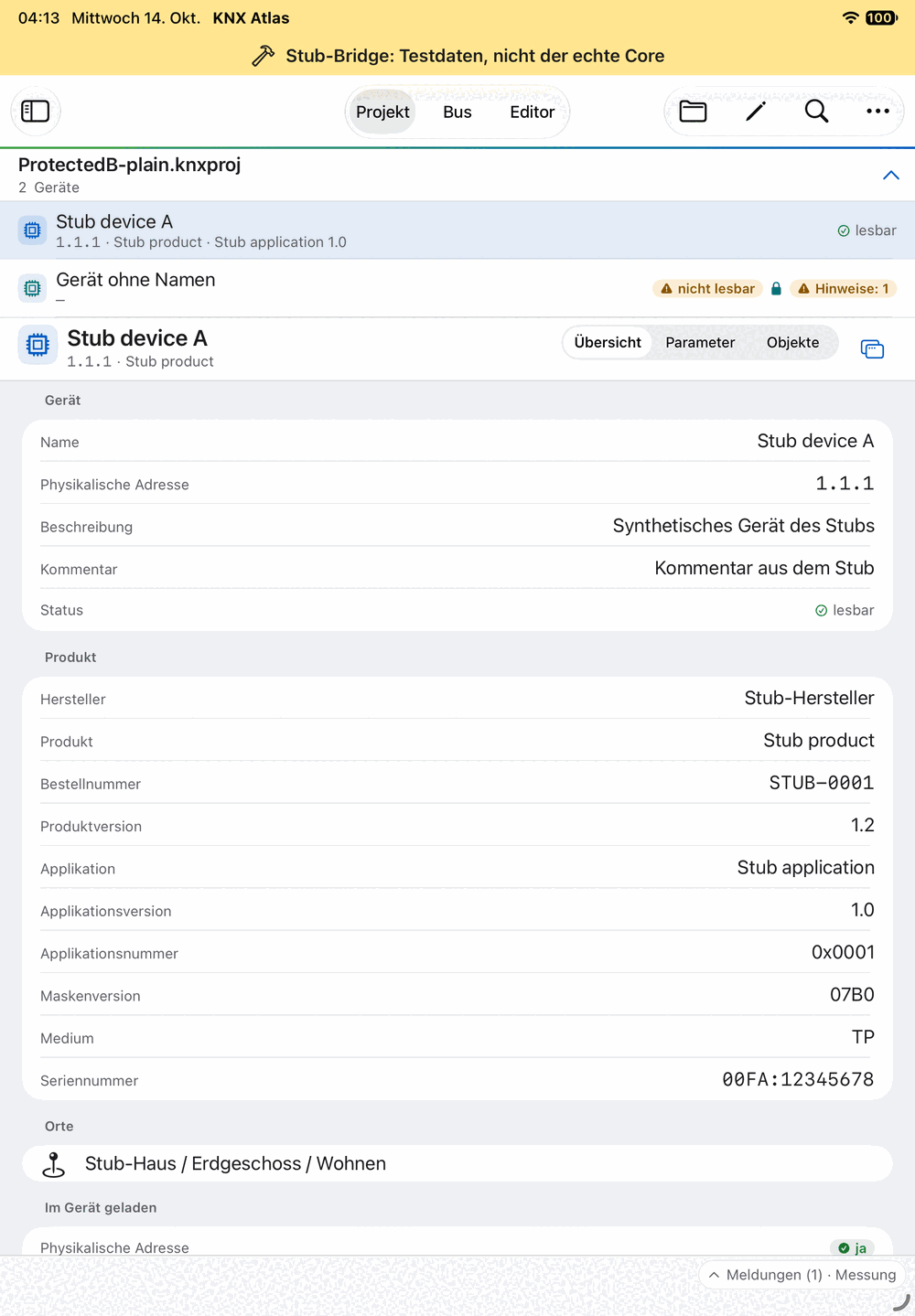
Developed for Mac and iPad
The current development version targets macOS 14 or later and iPadOS 26 or later. It is a native app with navigation adapted to each device class. No iPhone, Android or Windows version is announced here.
On Mac, windows, the inspector and menu commands are central to the experience. On iPad, the interface accommodates portrait, landscape and available space. Larger projects need more memory; identical performance on every device is not promised.
The specific file determines support
KNX Atlas works with existing .knxproj files and their available, supported product information. Support depends on the archive format, data schema and product constructs. The current foundation includes, in particular, the ETS6 data in schema 23 supported by the development project.
A .knxproj extension therefore does not guarantee that every view and every change is supported. When data or constructs cannot be processed, the message for the affected device or project is what matters.
The editor is limited to supported, password-protected projects. Opening a file and being able to edit its devices are separate questions.
Live tools require KNXnet/IP
The group monitor, group values and device diagnostics use a suitable KNXnet/IP interface. Available tunnel slots and their current occupancy determine which tools can work simultaneously. Interface discovery still requires a working network connection.
USB interfaces and IP routing are not part of the app scope described here. Secure connections require the necessary information in the open project and supported connection paths.
- Without a bus connection
- Project browsing and supported file editing use stored project information.
- With a suitable interface
- Live telegrams, group values and reachability checks involve the installation.
- With several tunnel slots
- The group monitor and group values can run in parallel over separate connections.
Project files, group values and device downloads
Saving a project file does not automatically transfer changes to the installation. The project core supports separate device downloads for selected device profiles. This does not yet provide a programming workflow in the app interface shown here or imply support for all devices.
The standard ETS import dialog may reject externally modified projects because of its signature check; in the current development state, this affects files edited by KNX Atlas. Technical validation through another import path is not a promise of ordinary ETS import.
There is no automatic recovery of unsaved editor changes. Deliberately saving before switching apps is especially important on iPad. Passwords containing certain special characters may need to be pasted from the clipboard.
Development and release status
This website presents the current development state. The described features may change before release. A date, price and public distribution channel have not yet been set.
These pages therefore offer no download button or registration suggesting that a version is already available. Use the contact area if you have questions about a particular workflow. Describe the platform, project format and intended task without sharing passwords or confidential project information.